On the Subject of 3D Lights Out
Now with three times as much Lights Out!
- Press the buttons to switch off all the lights. This module will never strike.
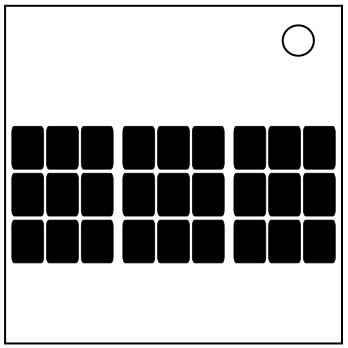
- The three grids of buttons represent layers of a 3x3x3 cube. From left to right, they are the top, middle, and bottom layers respectively.
- When pressed, a button will invert the lit state of the button itself and the lit state of the adjacent buttons in the six major cardinal directions.
- The green cells represent lit lights, and the dots represent the lights that will be toggled when the currently selected light is toggled.