On the Subject of 3D Lights Out
Just be glad it’s not 4D Lights Out.
- Press the buttons to switch off all the lights. This module will never strike.
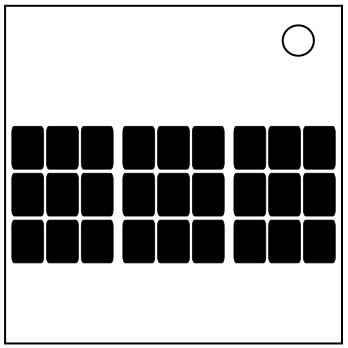
- The three grids of buttons represent layers of a 3x3x3 cube. From left to right, they are the top, middle, and bottom layers respectively.
- When pressed, a button will invert the lit state of the button itself and the lit state of the adjacent buttons in the six major cardinal directions.
To solve the module:
- Starting with the middle layer, press each button with an activated light in the same position on the above layer (top layer) until no activated lights remain on the above layer.
- Repeat for the bottom layer. All lights on the top and middle layers should now be deactivated.
- Note the pattern present on the bottom layer and find it in the table on the following pages.
- The bottom layer is represented as the green (activated) and black (deactivated) squares.
- Note that rotational and mirror symmetry applies.
- Using the dots on the pattern as a guide, press those buttons on the top layer.
- Repeat steps one and two.