On the Subject of Beatblock
So you want to block beats? It’s going to take an awful lot of practice.
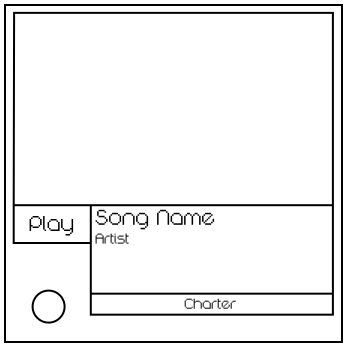
This module initially contains a big rectangular canvas with an image, a text box, and a Play button.
The text box will contain the information about a certain custom chart in Beatblock. This information includes the name of the song, the song’s artist, and the chart’s charter.
Stage 1
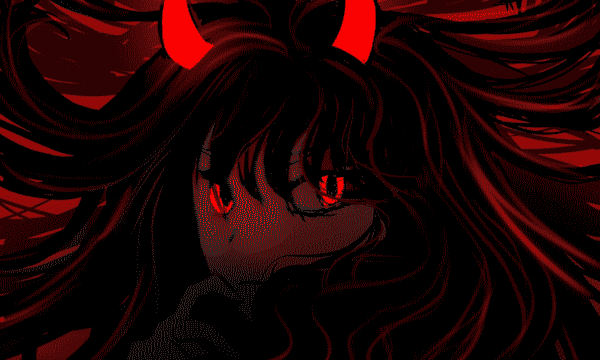
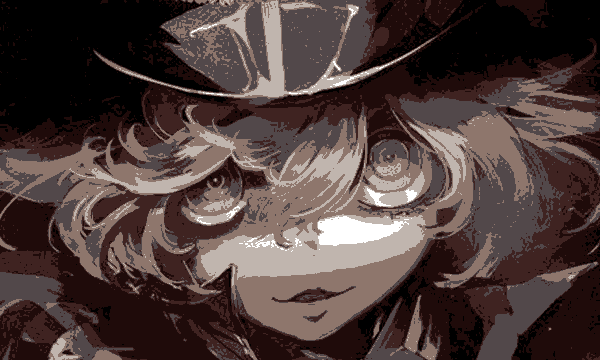
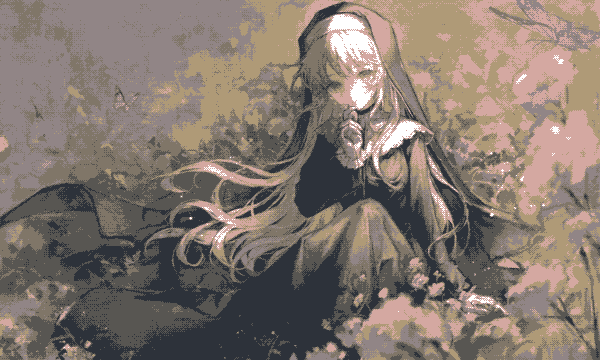
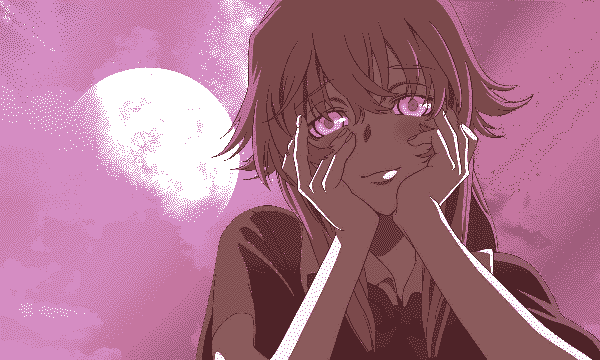
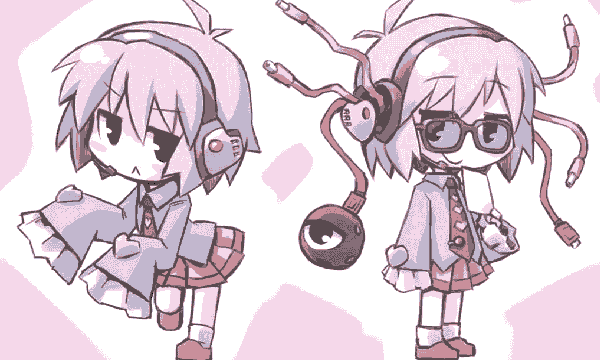
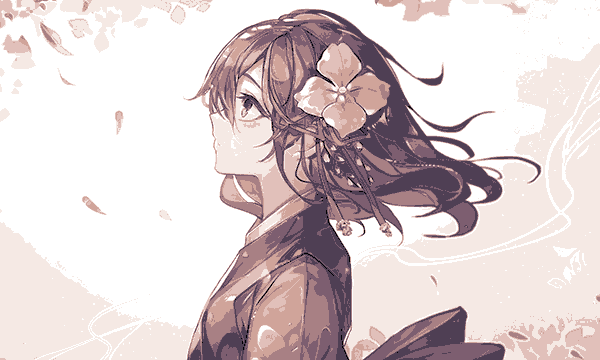
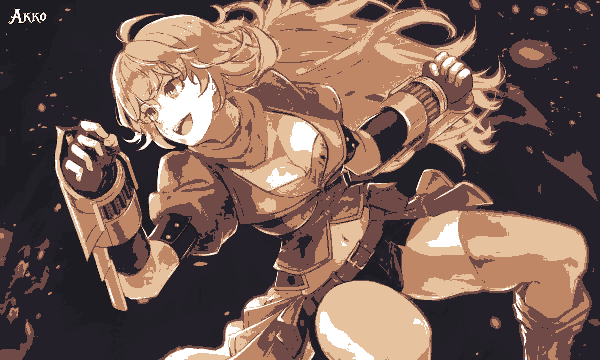
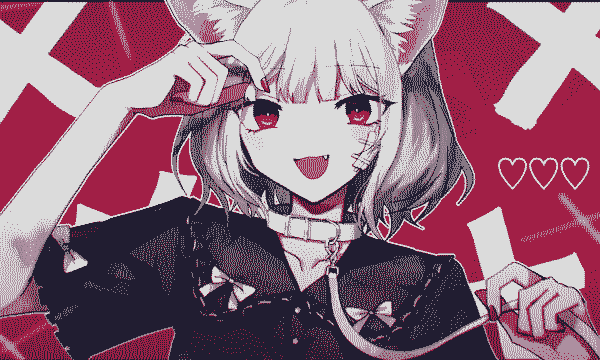
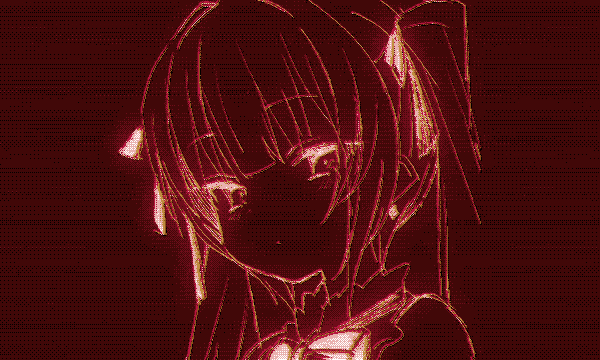
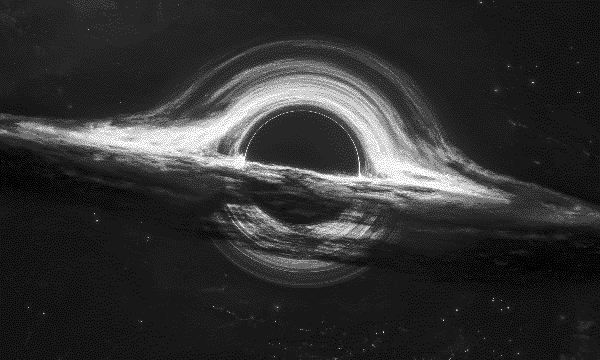
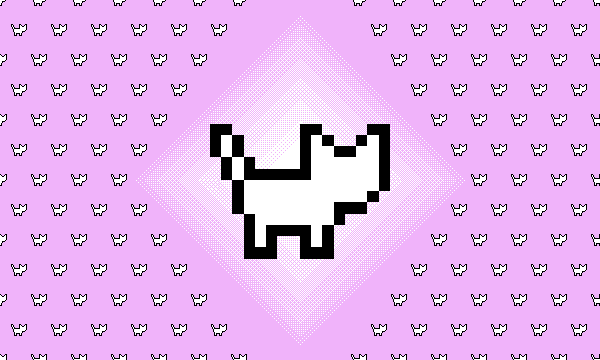
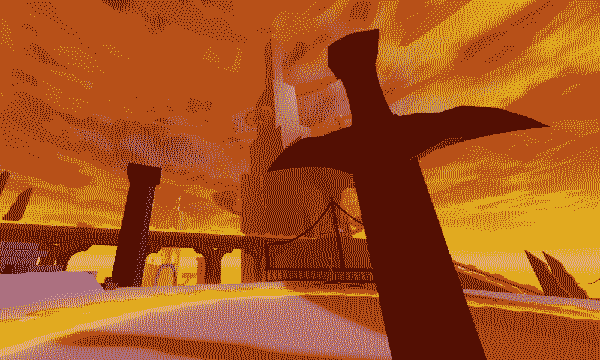
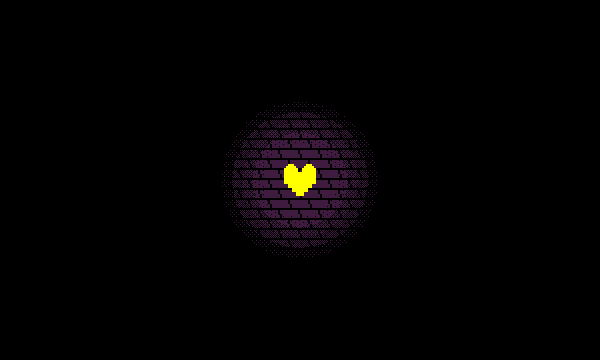
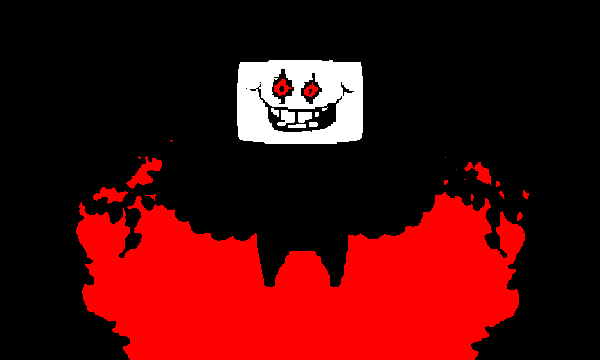
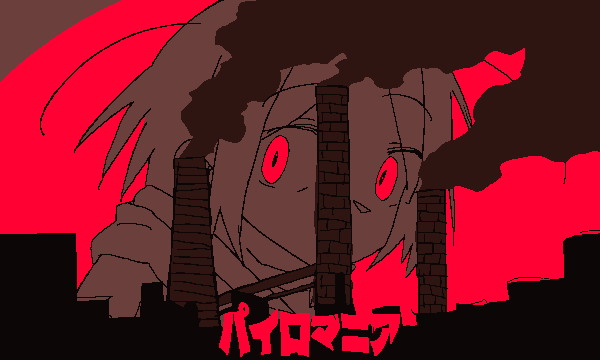
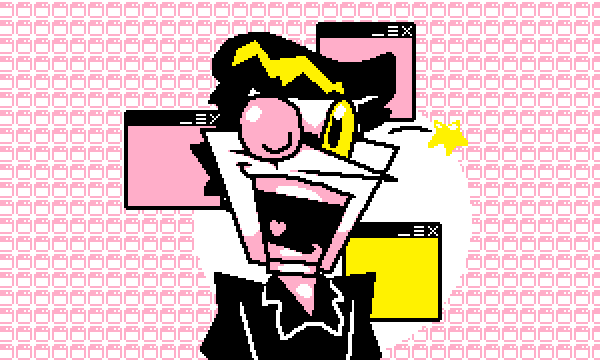
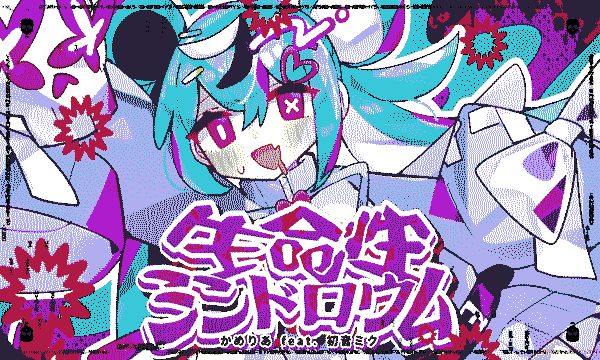
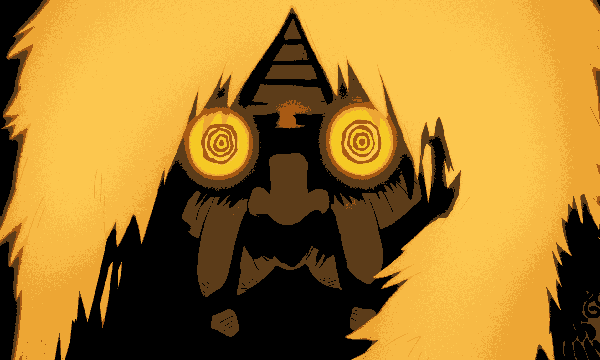
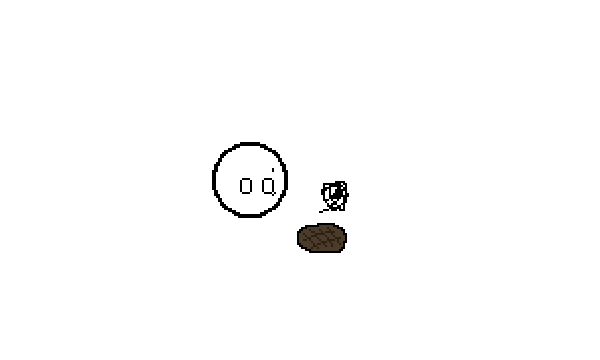
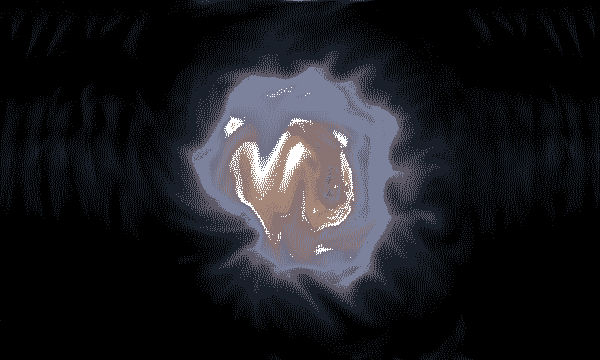
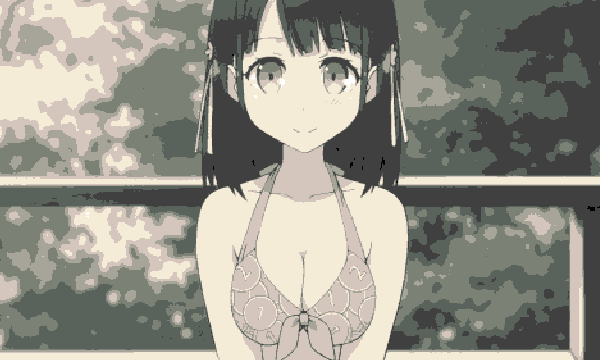
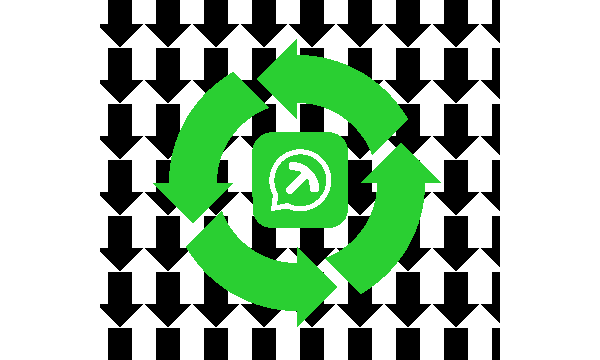
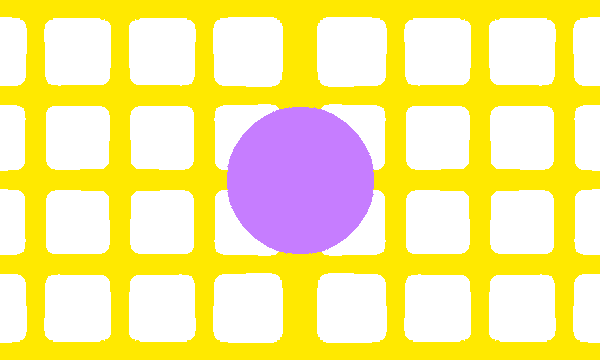
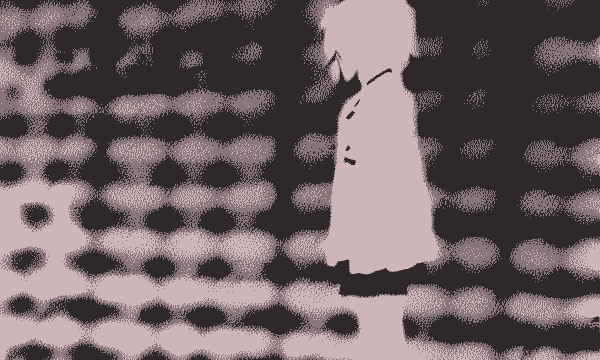
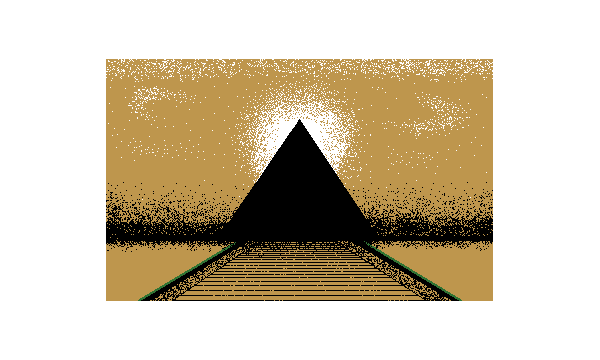
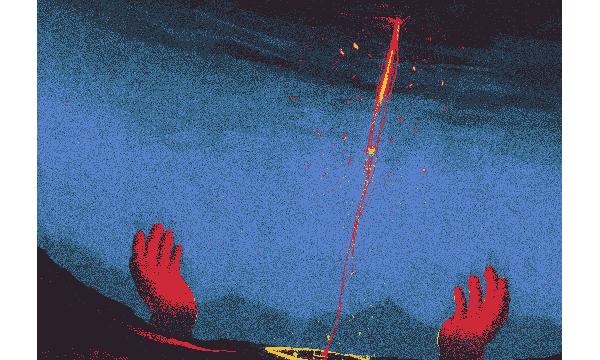
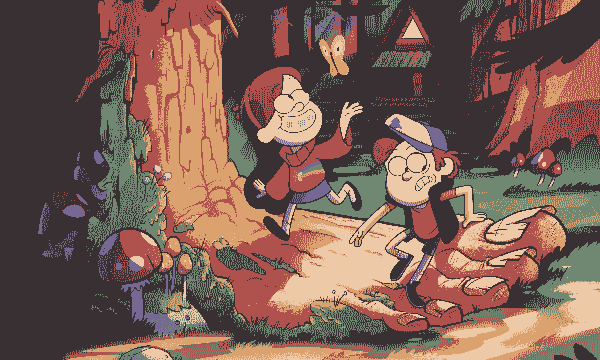
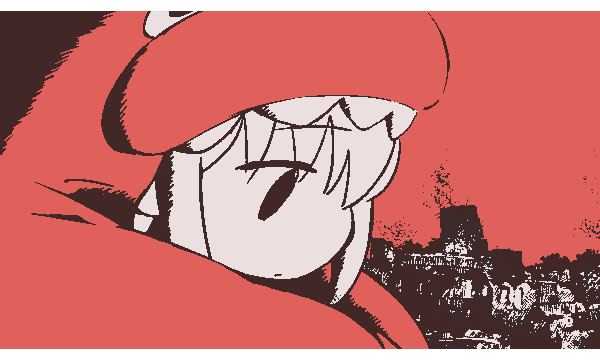
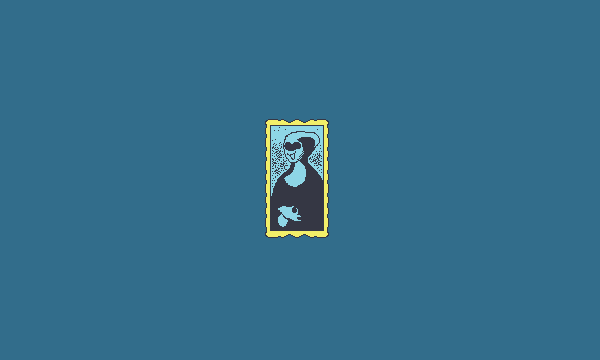
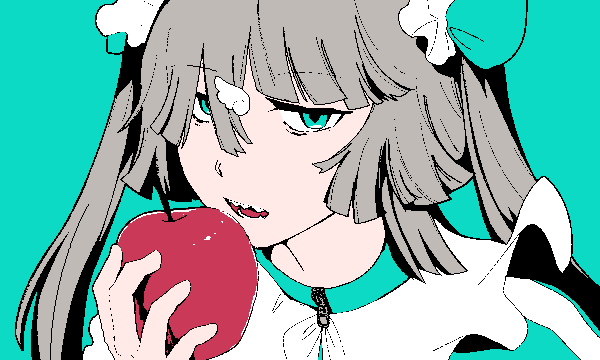
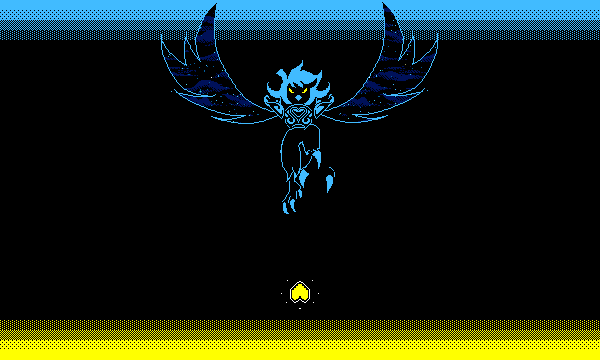
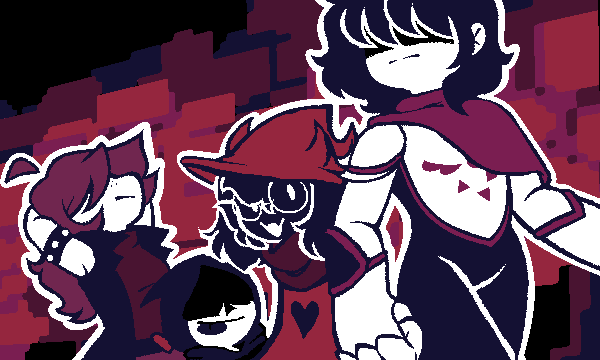
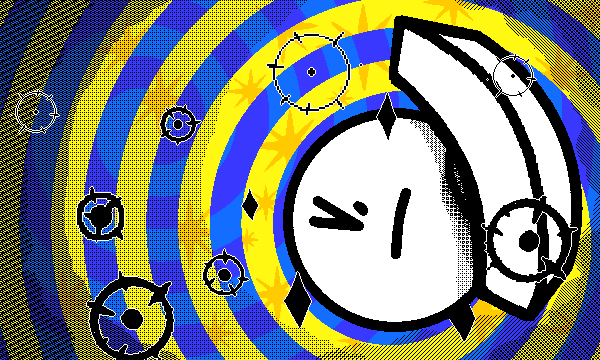
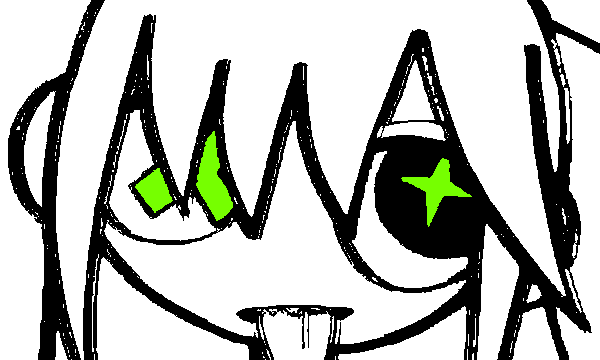
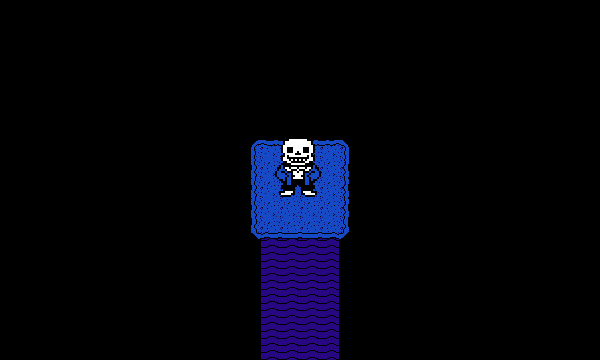
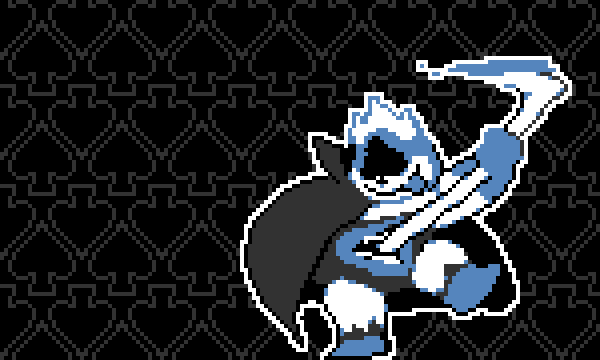
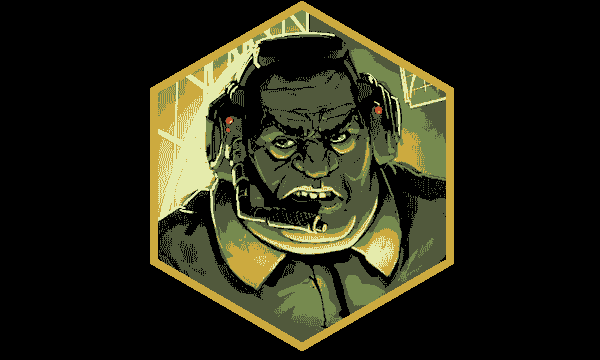
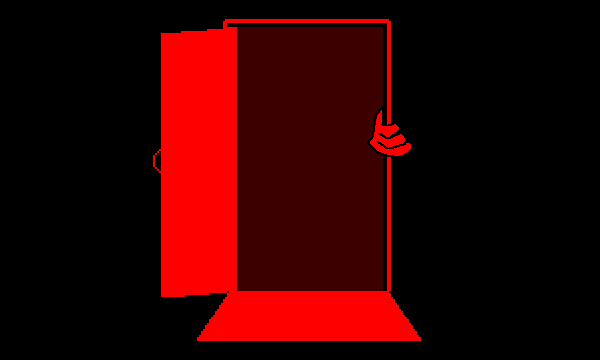
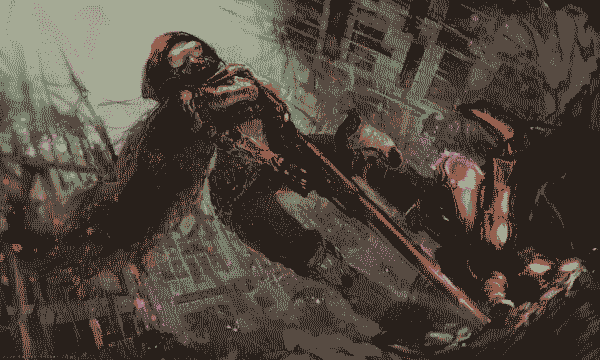
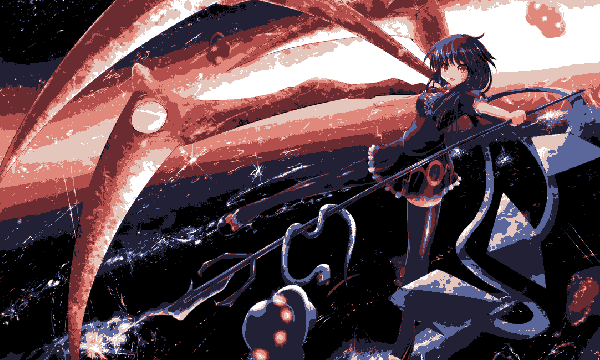
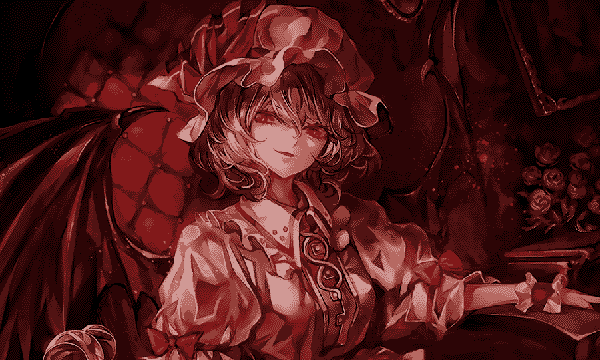
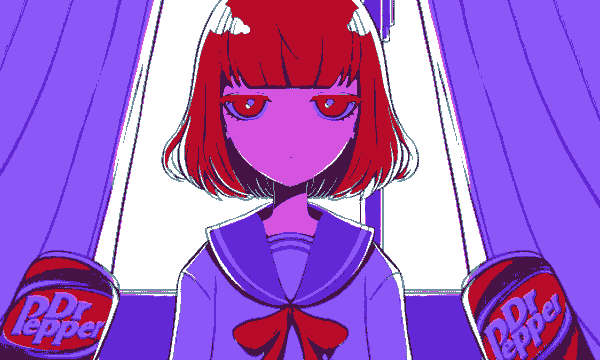
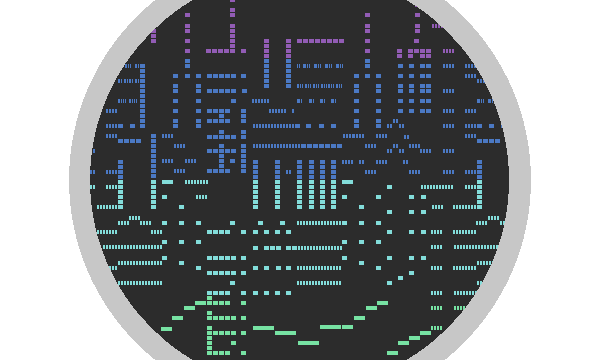
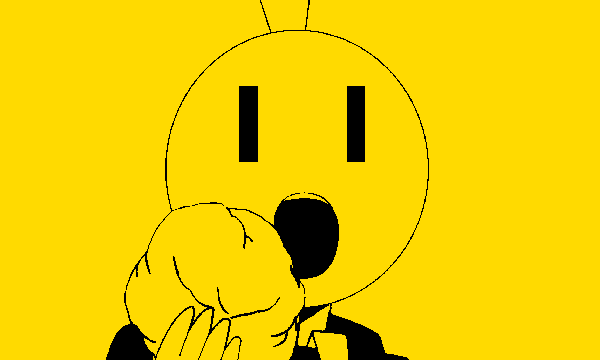
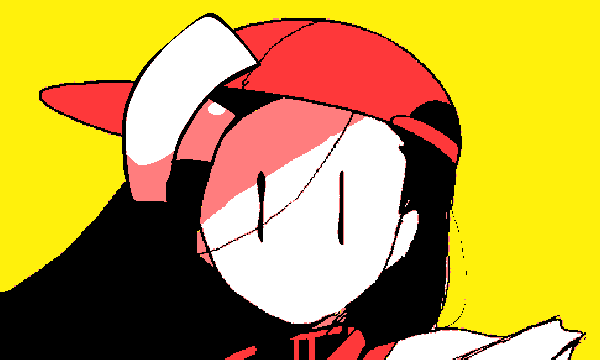
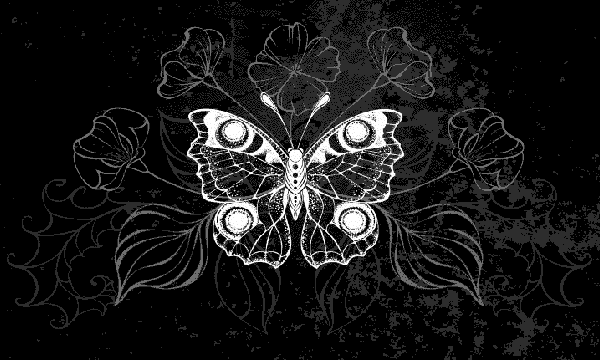
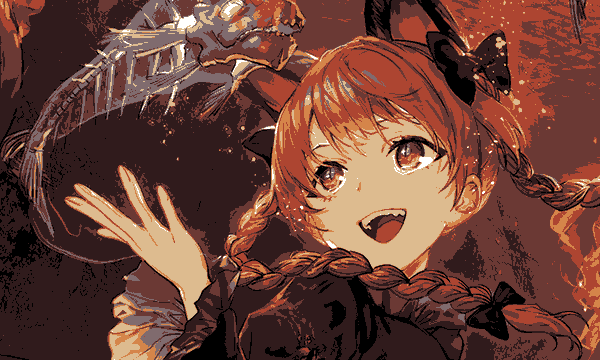
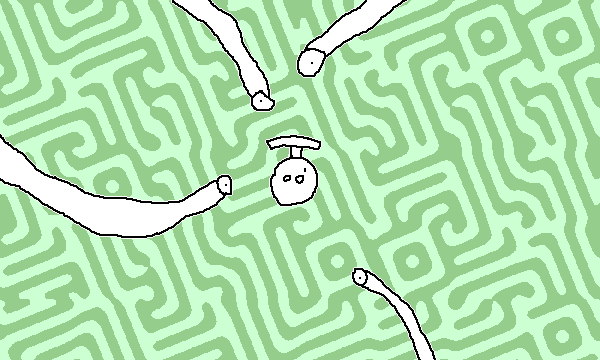
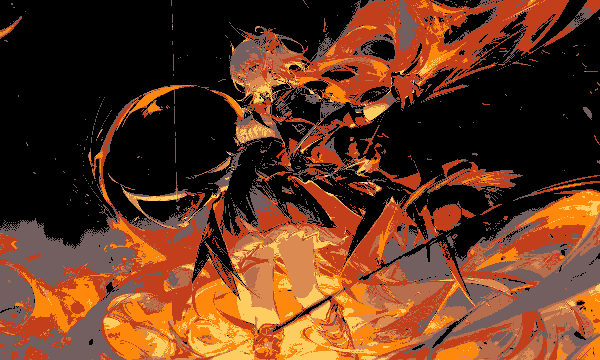
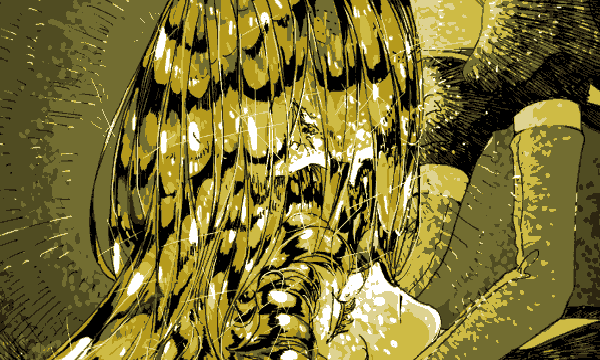
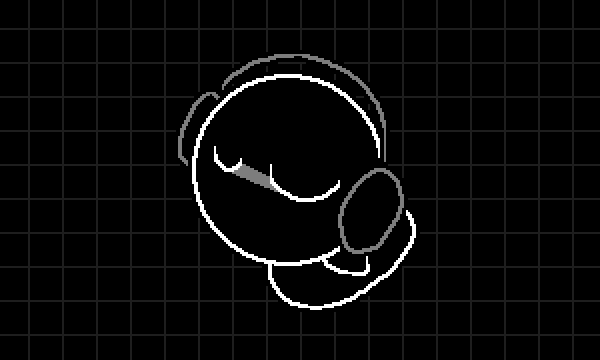
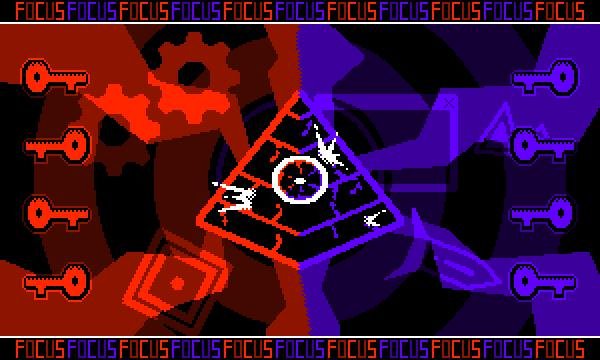
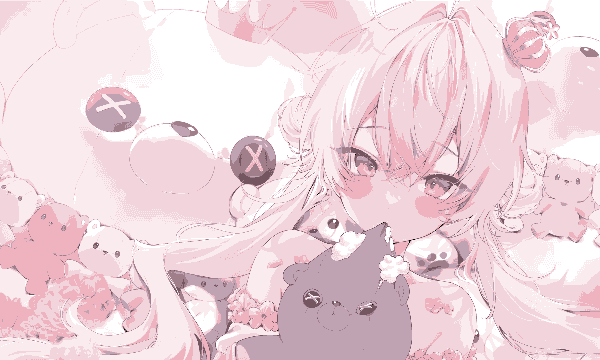
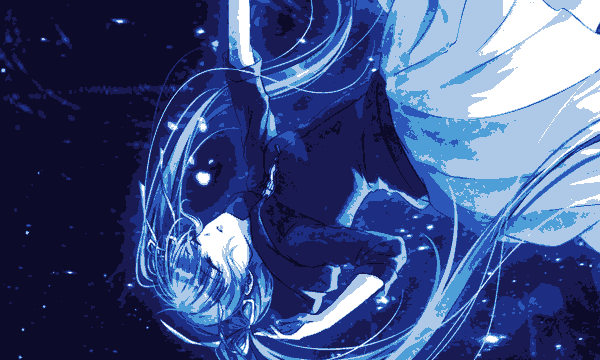
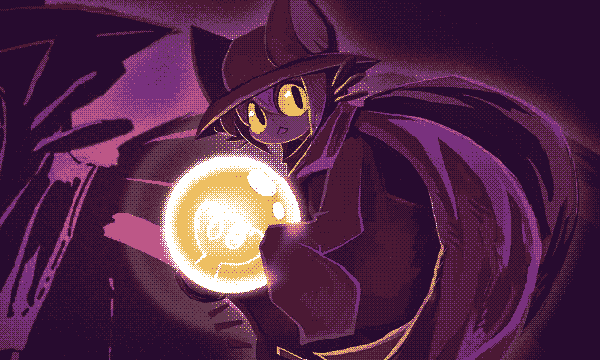
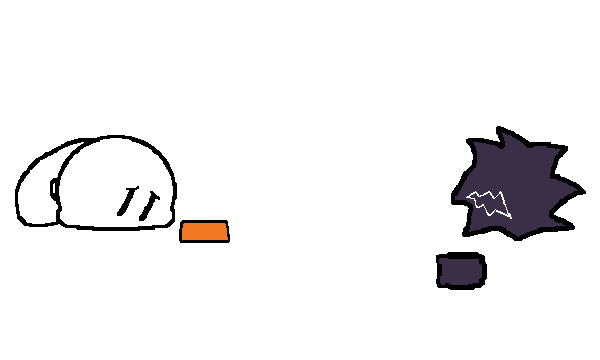
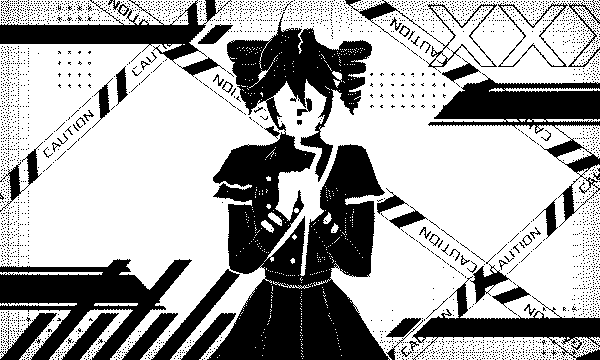
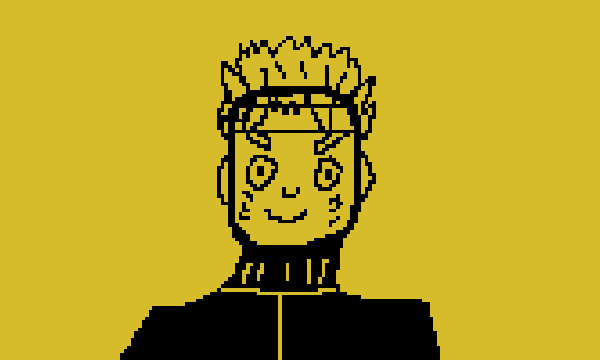
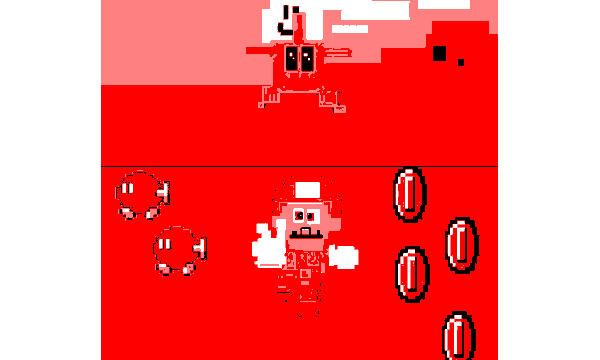
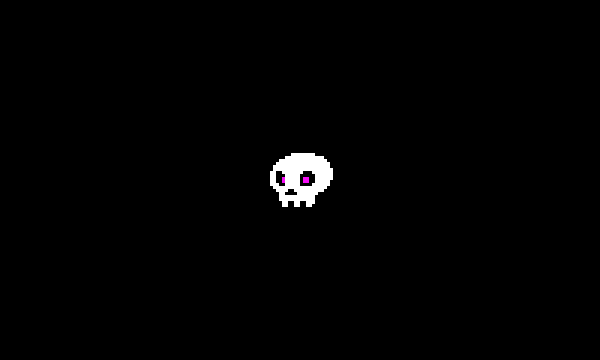
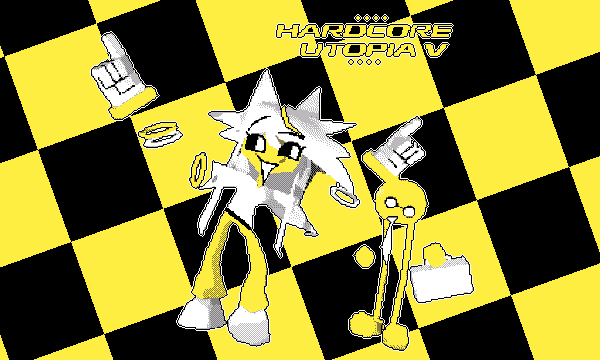
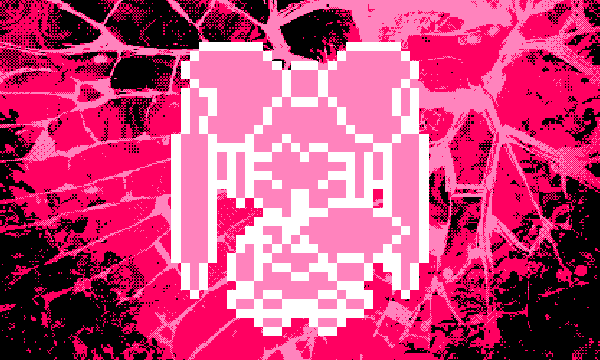
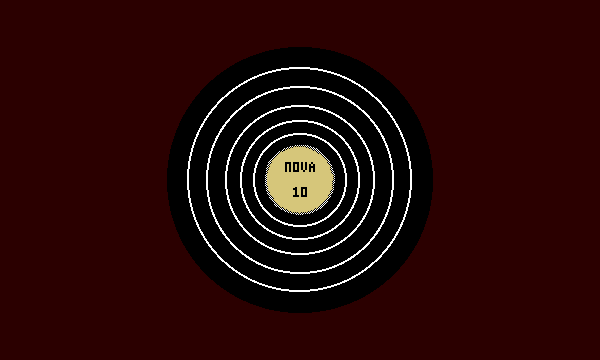
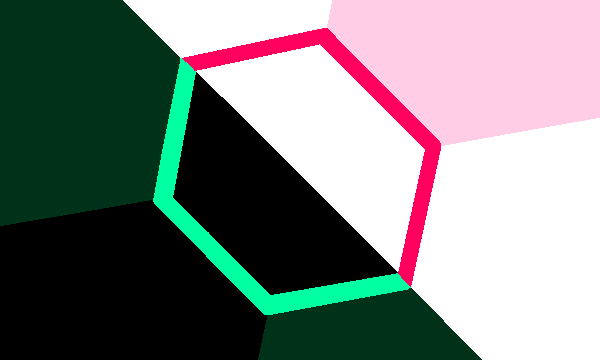
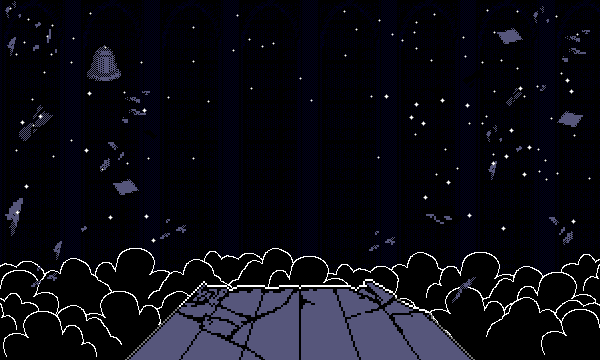
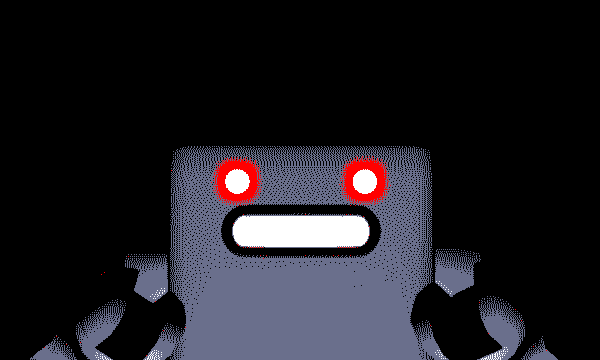
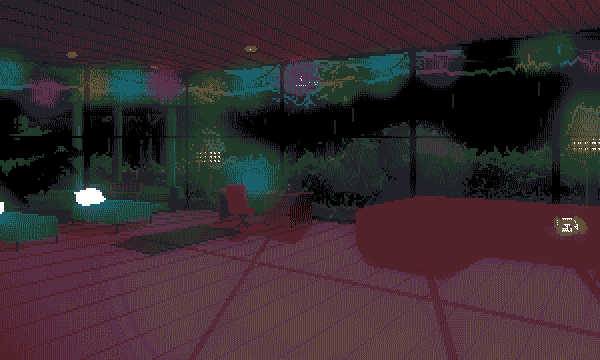
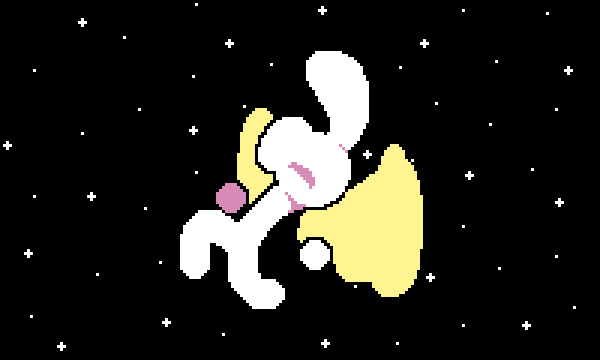
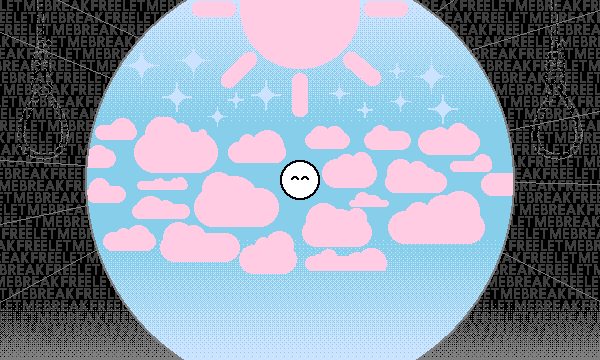
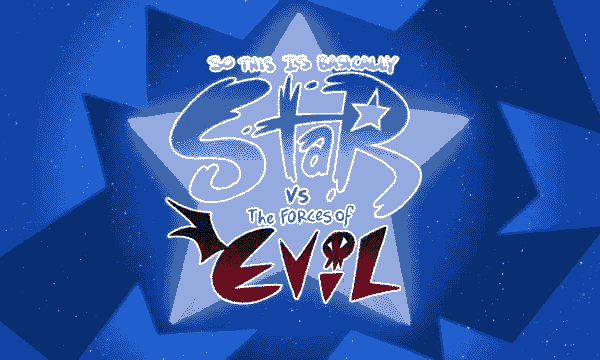
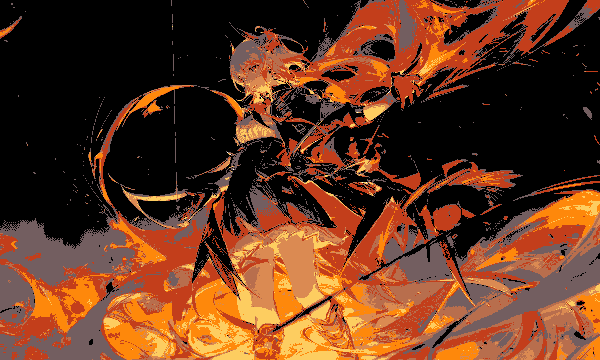
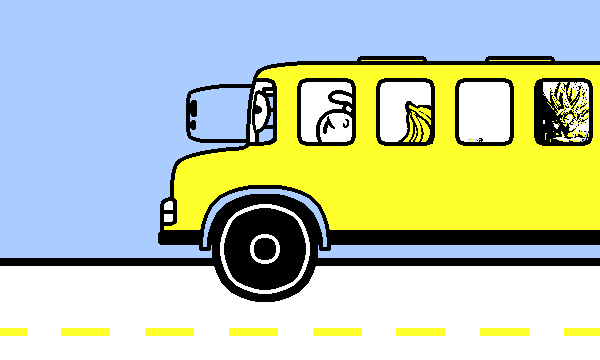
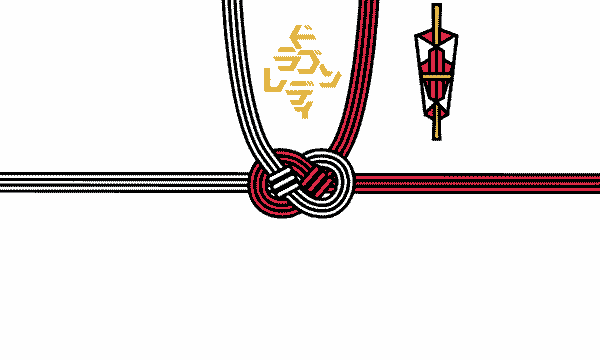
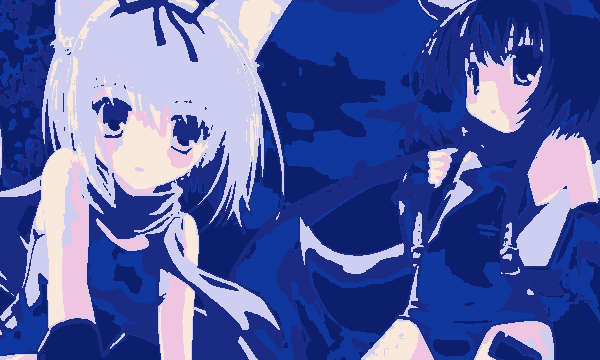
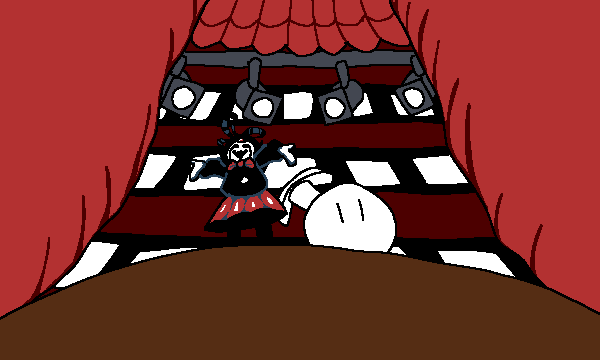
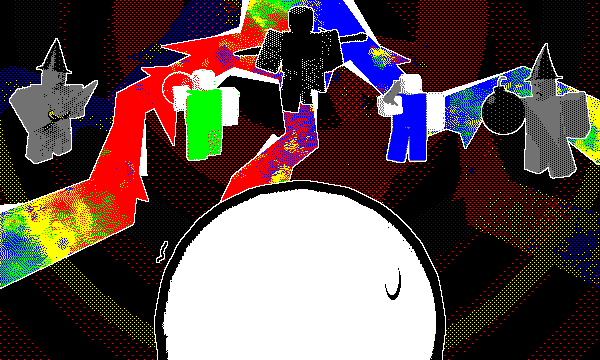
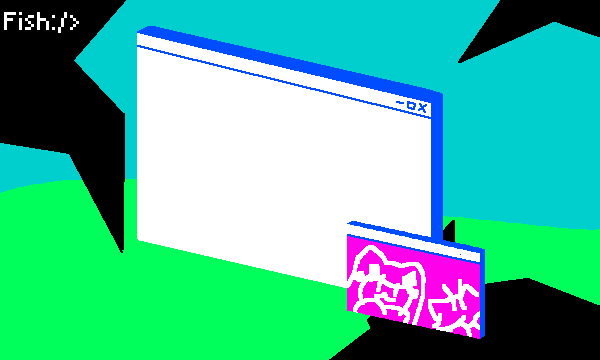
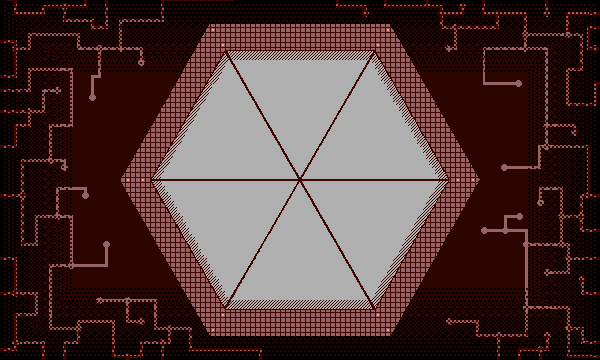
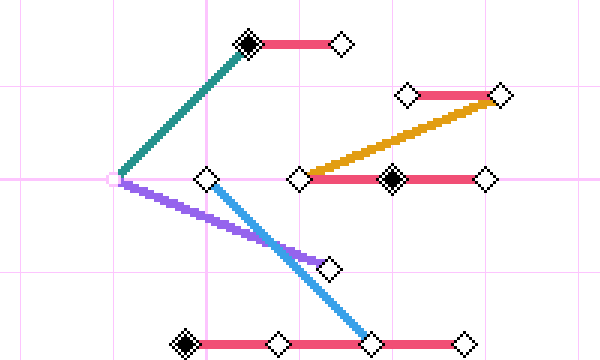
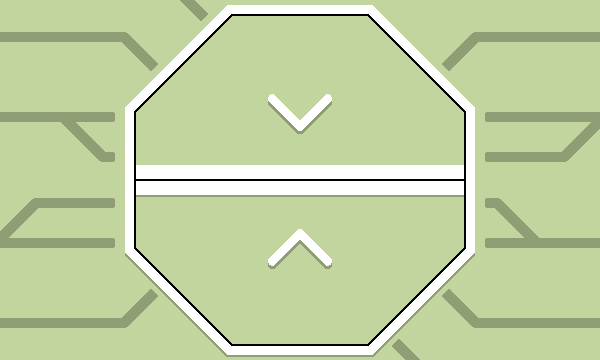
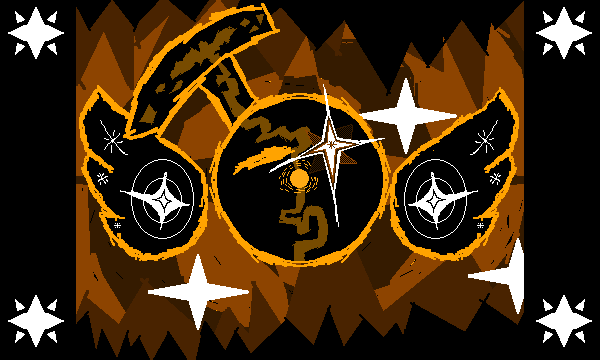
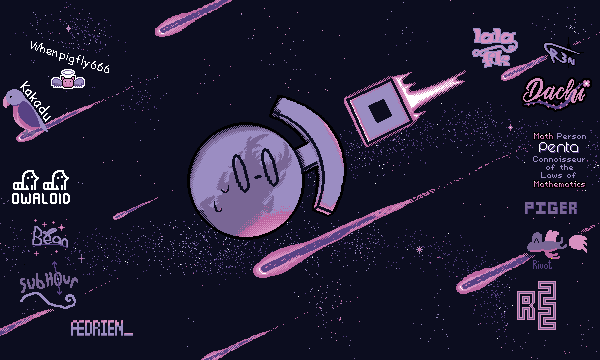
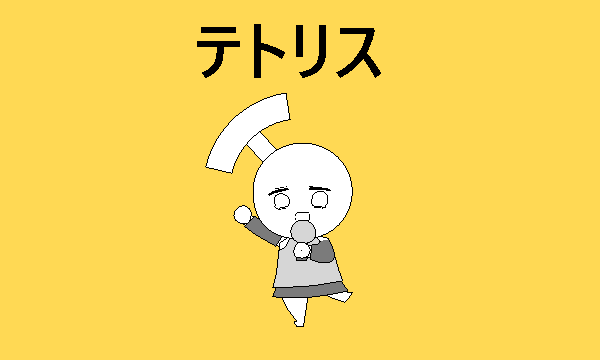
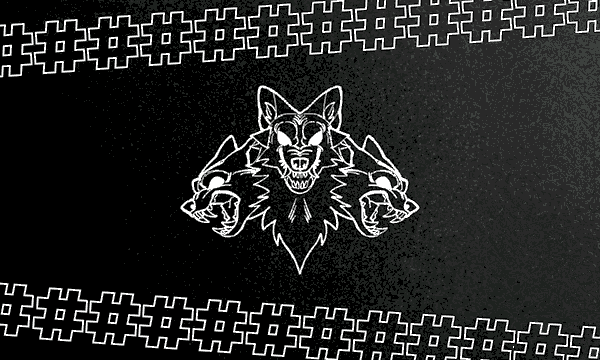
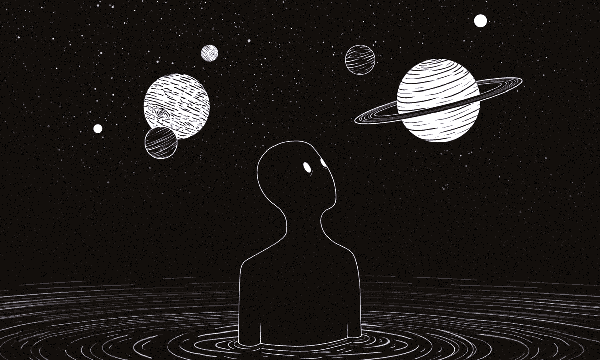
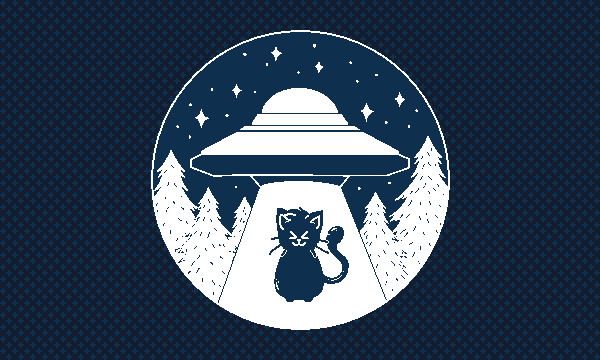
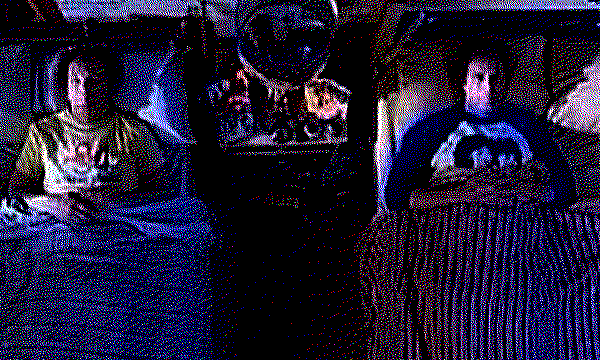
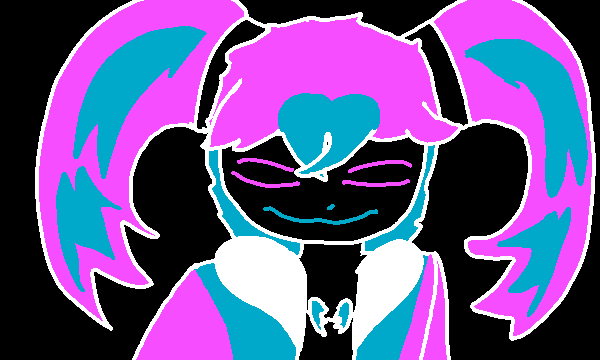
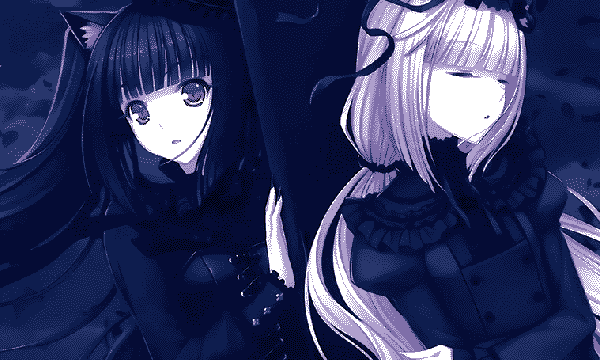
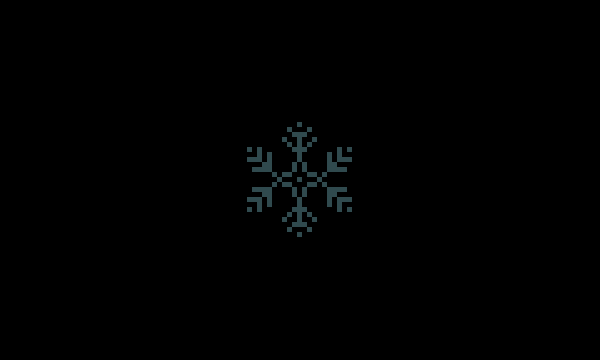
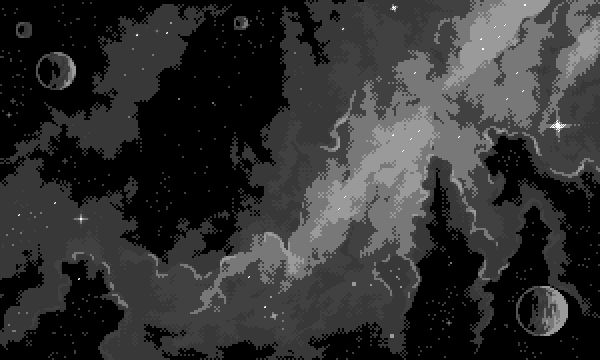
Your goal is to submit the correct background image for the described chart (which can be found in the Chart Table). To do so, press the canvas to cycle through the 8 possible background images and press the Play button once the correct one is selected.
If the correct background image is submitted, the module will progress to its second stage. Otherwise, a strike will be given, and the module will fully reset (a new chart for the textbox and a new set of possible background images will be picked).
Chart Table
| La Di Da (Nightcore & Cut Ver.) |
|---|
| Baracuda |
| Piger |
 |
| Cold Green Eyes |
|---|
| Station Earth (ft. Roos Denayer) |
| _Play_ |
 |
| Historia (Cut Ver.) |
|---|
| CHiCO with HoneyWorks |
| Piger |
 |
| Metel |
|---|
| Dope17, KVESTAR |
| Ratøri |
 |
| Quaver (Cut ver.) |
|---|
| dj TAKA |
| Piger |
 |
| I Wanna Be A Machine |
|---|
| The Living Tombstone |
| _Play_ |
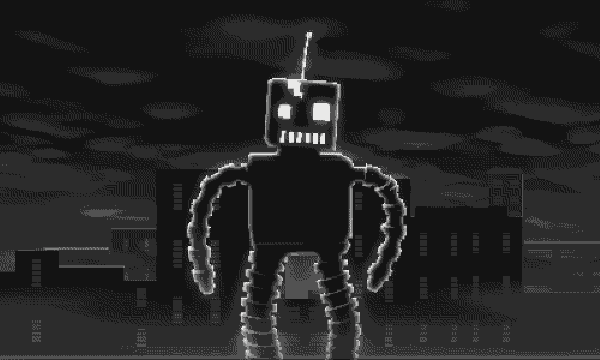 |
Table continued on the next page...