On the Subject of Brad Memory
"Brad, I am your father." Wait, no, that doesn't sound quite right.
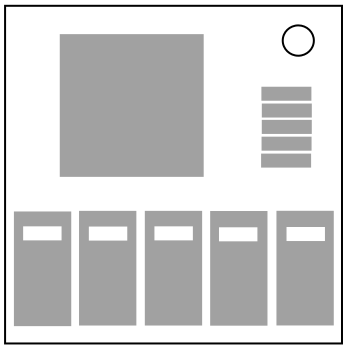
- Press all correct buttons in the correct order in a stage to progress to the next stage.
- Complete all 5 stages to solve the module.
- Positions are ordered from left to right.
- Pressing an incorrect button or pressing out of order will cause a strike and reset the module to stage 1.
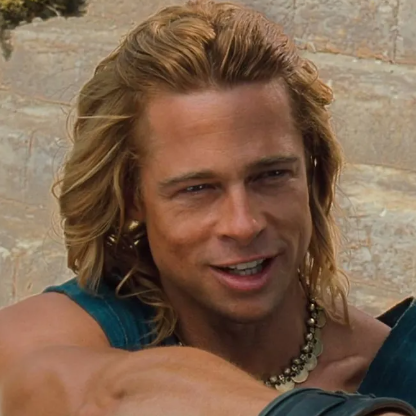
- Each stage will display an image of Brad Pitt from a movie in which he has starred. Consult Appendix: Brad Pitt Movies to identify which movie is being displayed.
- Once you have identified which movie is displayed, look up its row of information in Table 1: Movie Facts to obtain a set of original facts.
- Each stage will have a color on the rim of the display image. Apply this color in Table 2: Color Modifiers to travel up or down each column, wrapping if necessary, from the original facts in Table 1 to find new facts for each category.
- Use these new facts with the following instructions to determine which buttons should be pressed in each stage.
- Finally, find the correct order to press the correct buttons in each stage using Table 3: Button Order.
Stage 1:
If the genre contains Action: Press 1
If the role contains the letter U: Press 2
If there are exactly 3 costars: Press 3
If the year is even: Press 4
If the entire character name is less than 10 characters or if no other buttons have been pressed this stage: Press 5
Stage 2:
If the title and role contain no spaces: Press 1
If you pressed 2 in the previous stage: Press 2
If the year is divisible by 3 or you only pressed 1 button in the previous stage: Press 3
If you pressed the 4th position in the previous stage: Press 4
If there is a female costar or if no other buttons have been pressed this stage: Press 5