On the Subject of Clumsy Loopover
Get them up for me, Nickel.
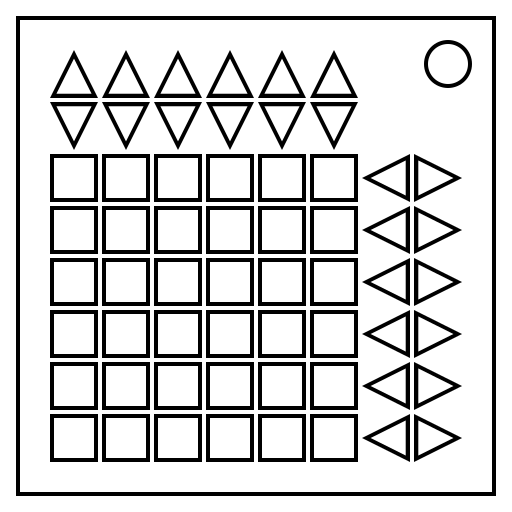
Use the arrow buttons to shift the rows and columns to arrange the 36 tiles into base-36 order.
Every row button also moves either the row above it or below it.
Every column button also moves either the column to the left or right of it.
Read
Coupling:
Above
Below
Left
Right
Path:
Solution:
Interactive Controls
-
In Read mode:
- Type in the letters on the module using the textboxes.
-
In Solve mode:
- Use the arrow buttons to shift the rows and columns of the grid.
- The ↻ button resets the grid to its starting state.
-
In Generated mode:
- Press the Manual button to switch to Generated mode.
- The ↻ button resets the grid to its initial generated state.
- Have fun solving the generated puzzle.
- Use the Above/Below switch to choose which row is coupled with the row being moved, and the Left/Right switch to choose which column is coupled with the column being moved.
- The sound effects can be muted.
- The movement path you came up with (and the solution to generated puzzles) can be shown or hidden.
- Press Save to save the current state of the interactive.
- The Reset Saves button clears all the saved states.
- The Reset All button resets the entire interactive.