On the Subject of Colored Switches
It’s only five switches. How hard can it be?
See Appendix SWITCH for identifying modules in Colored Switches family.
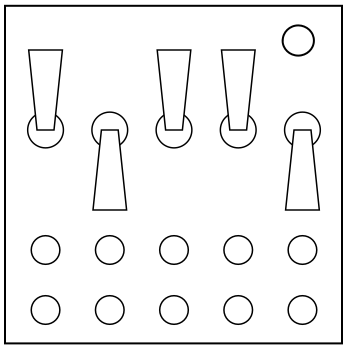
- The module has five switches on it. Each switch may be orange, green, purple, turquoise, blue, or red.
- The diagram below indicates which switch transitions are safe. A switch can be toggled only if it has the same color as the relevant arrow in the diagram. A black, thicker line indicates this switch can be toggled regardless of its color. The numbers indicate the switch being toggled (numbered from left to right).
- To defuse the module, first make any three permissible toggles. Then the LEDs below the switches come on. The switches must be brought into the position indicated by those LEDs.