On the Subject of Customer Identification

Don’tcha $&@#ing dare slap me again!

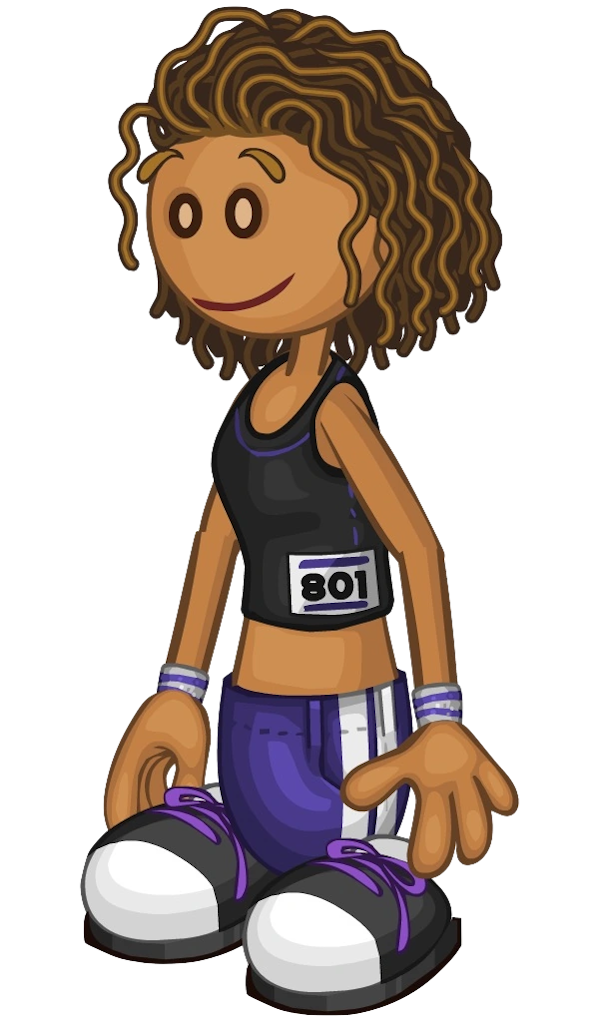
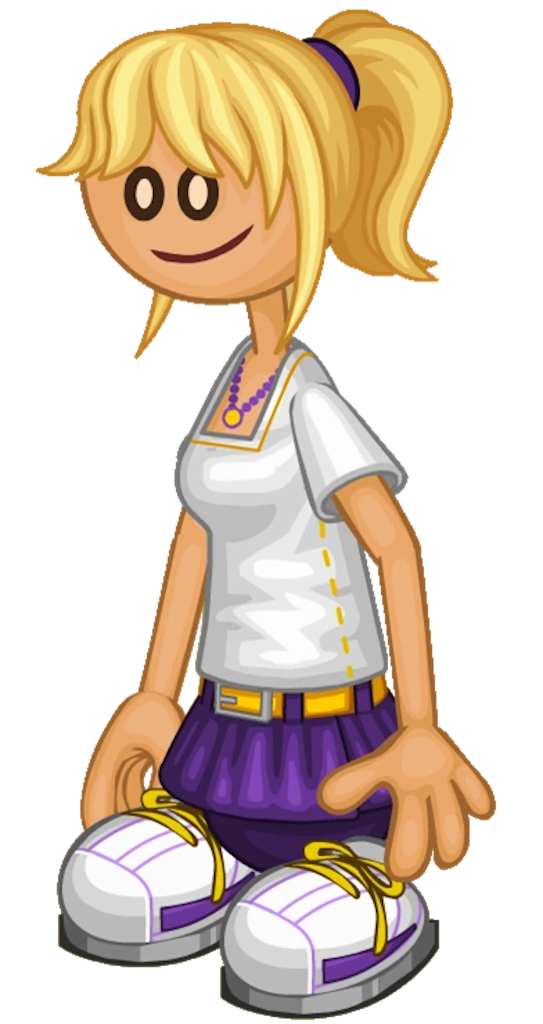
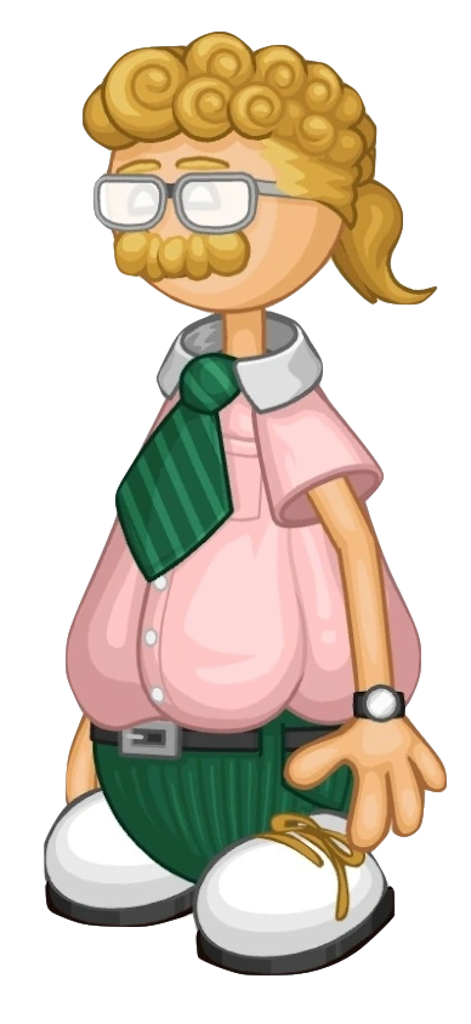
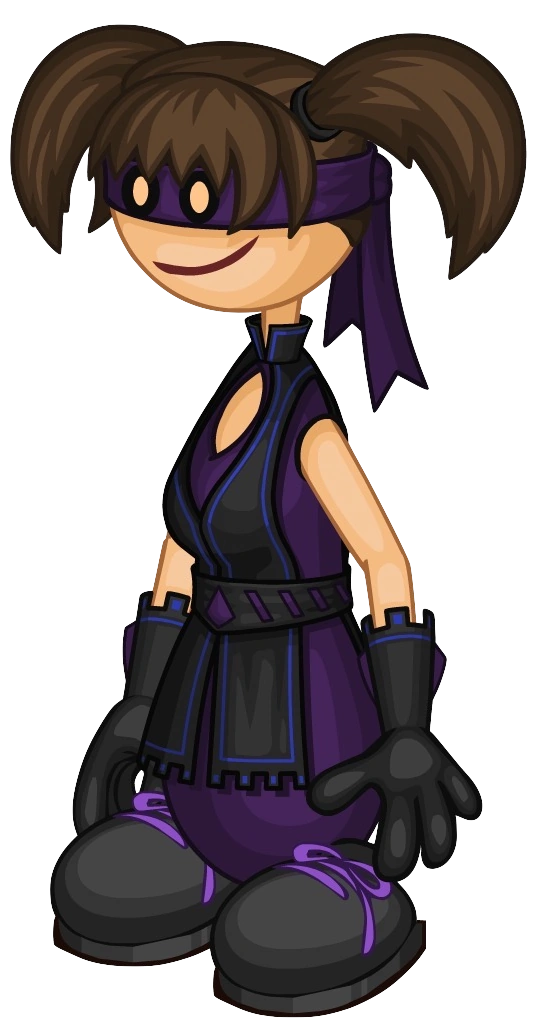
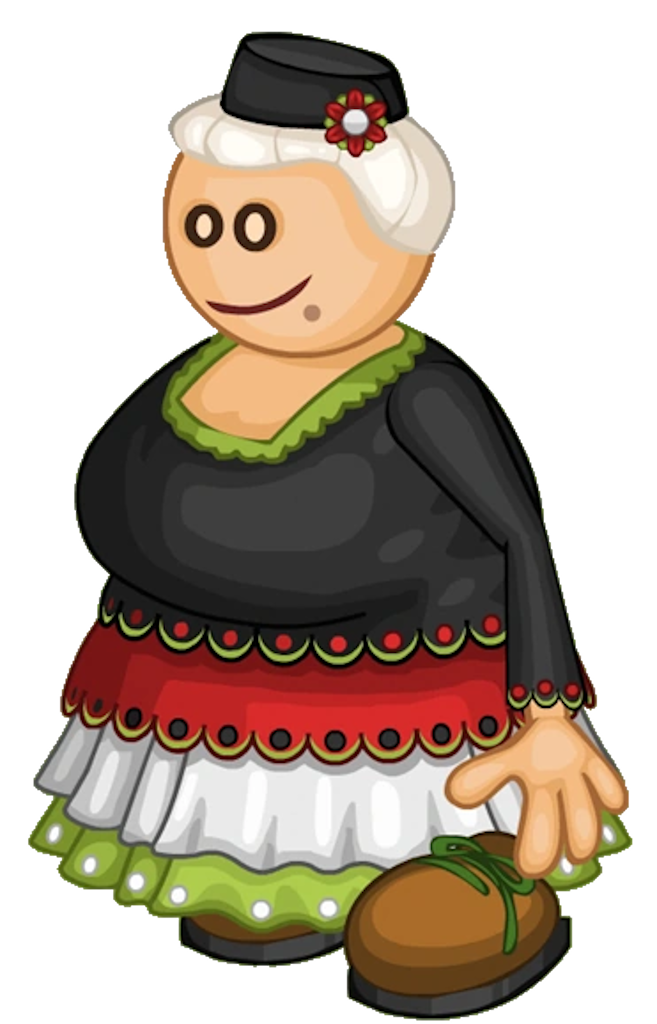
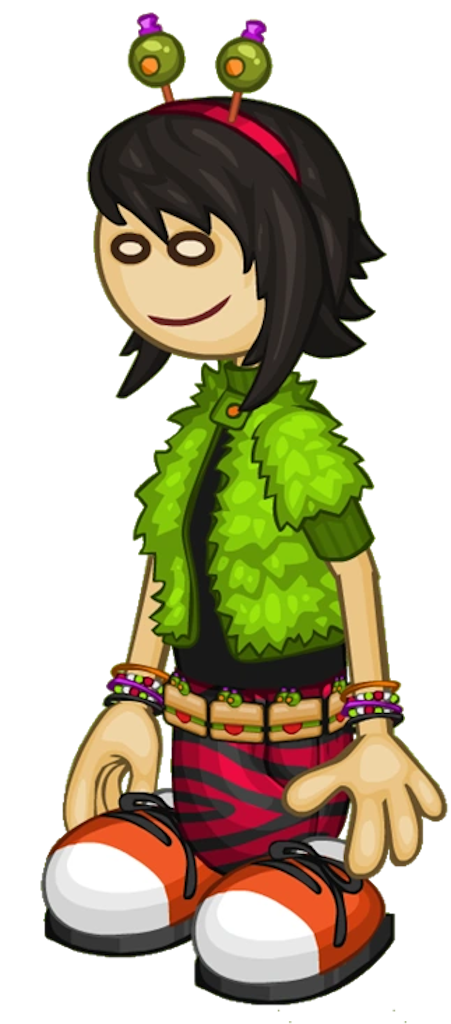
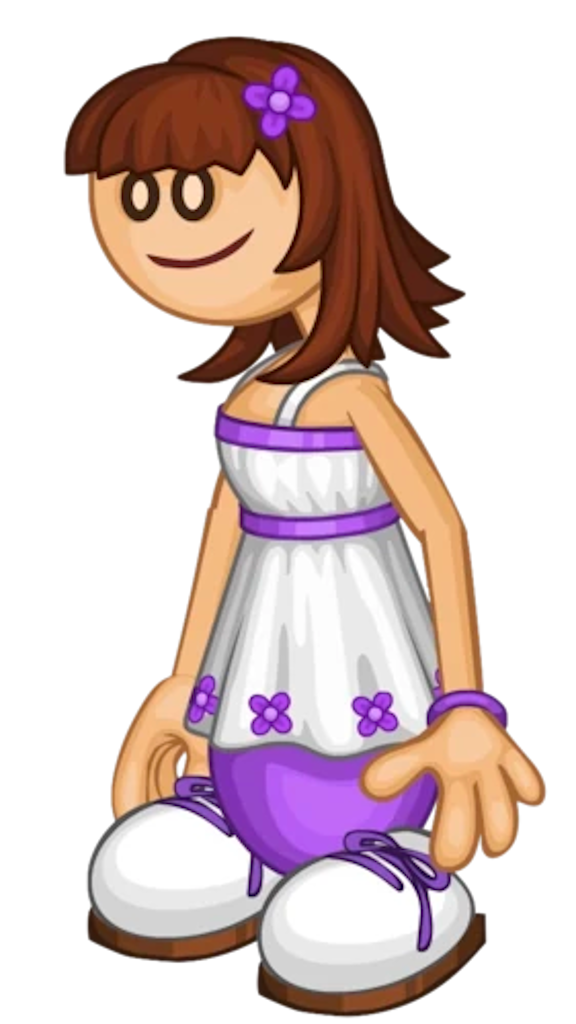
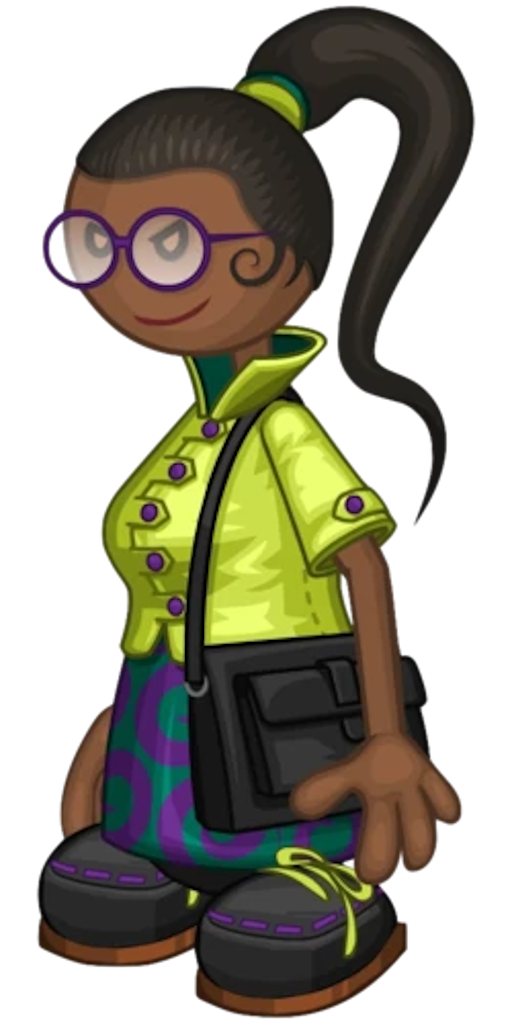
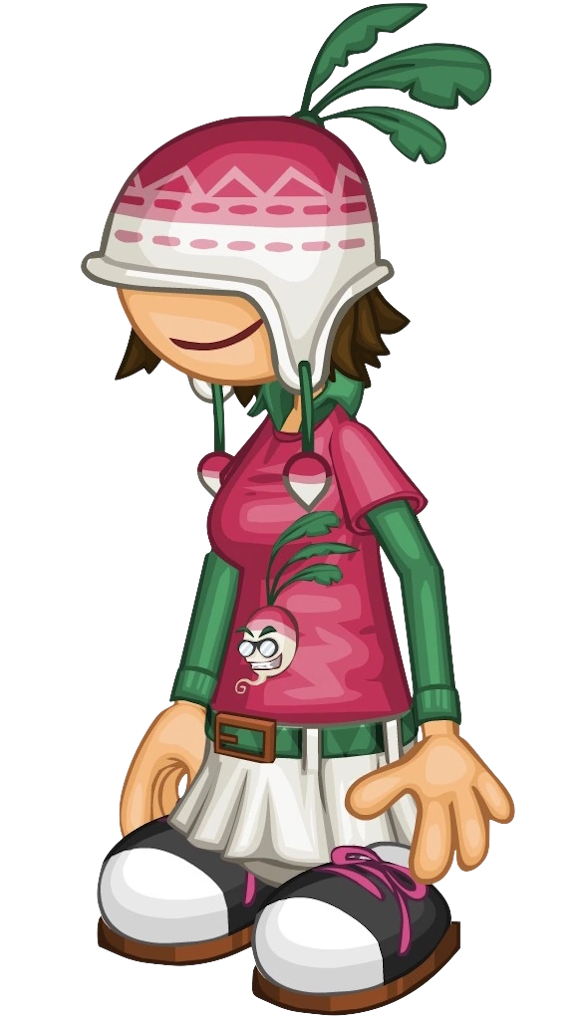
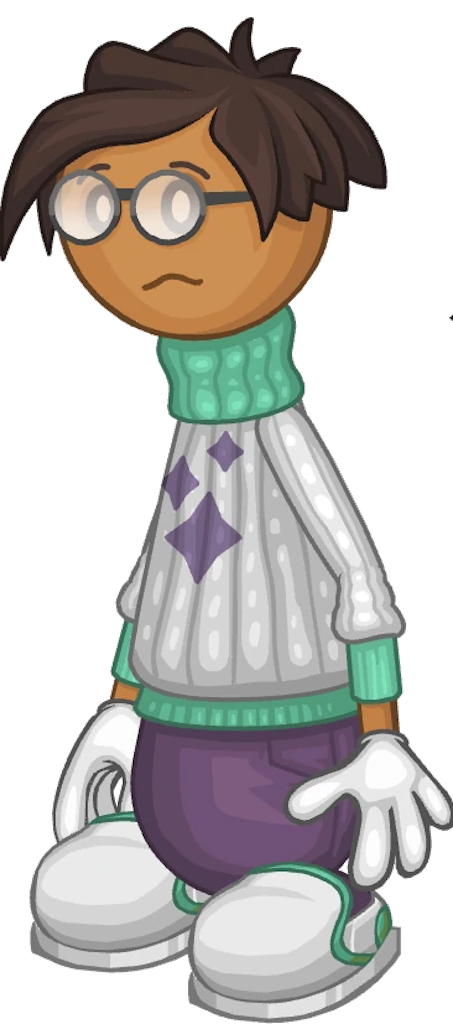
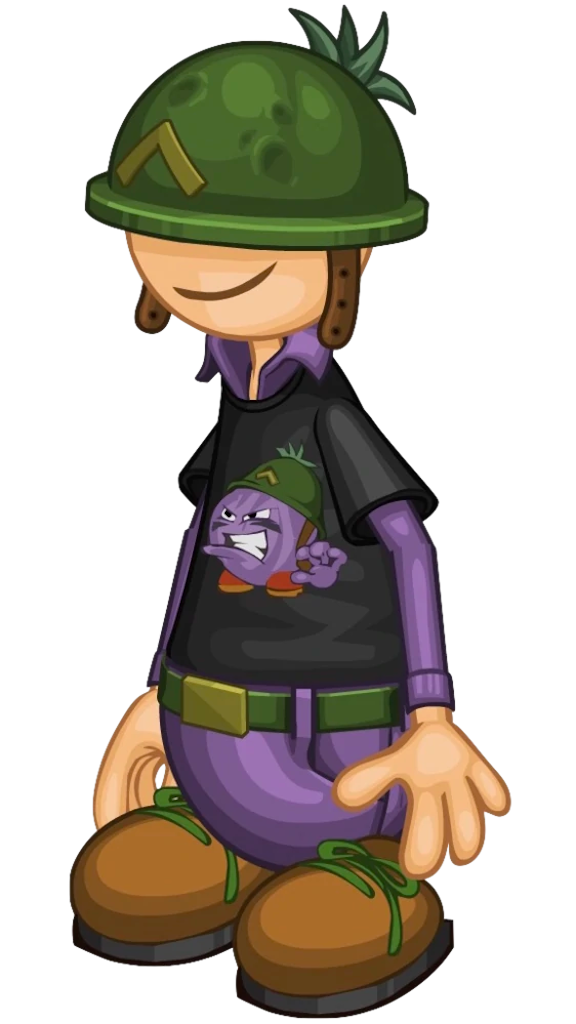
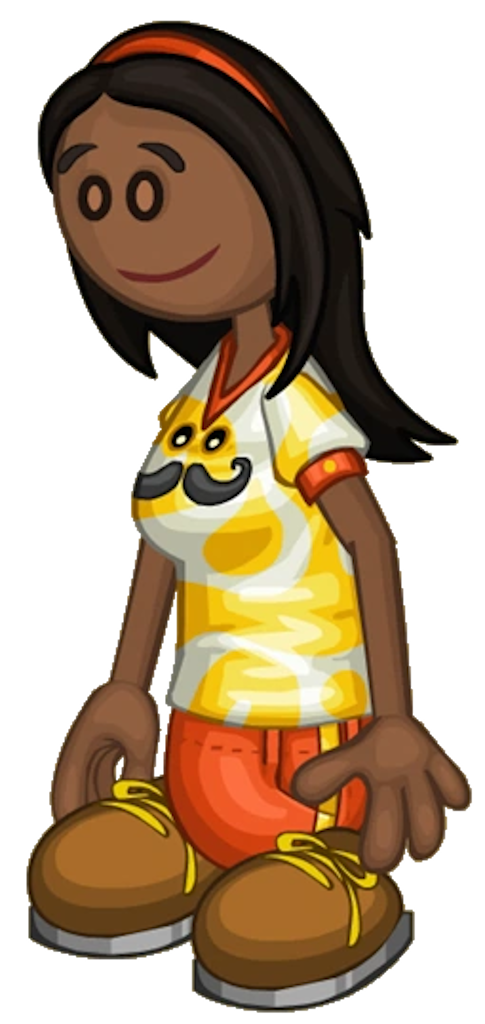
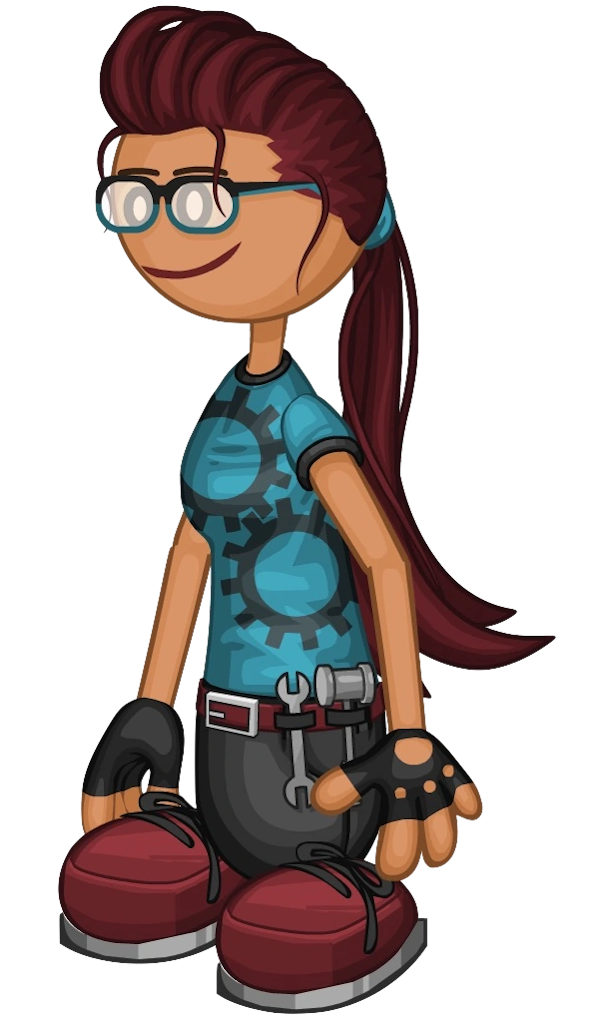
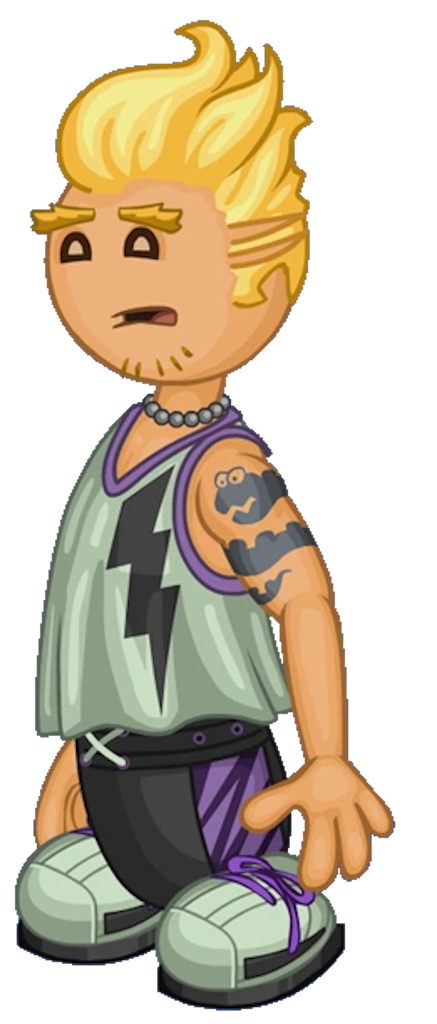
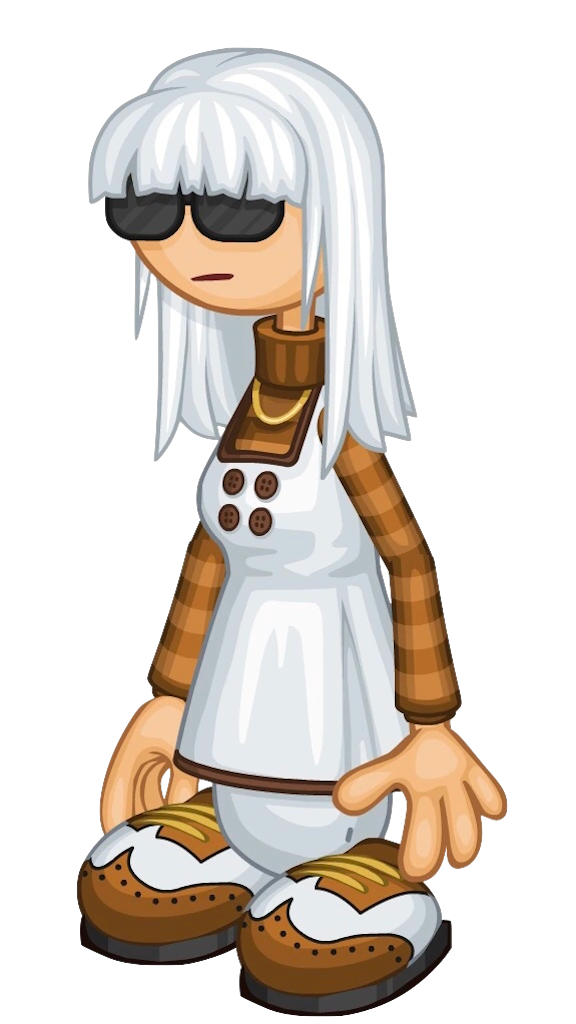
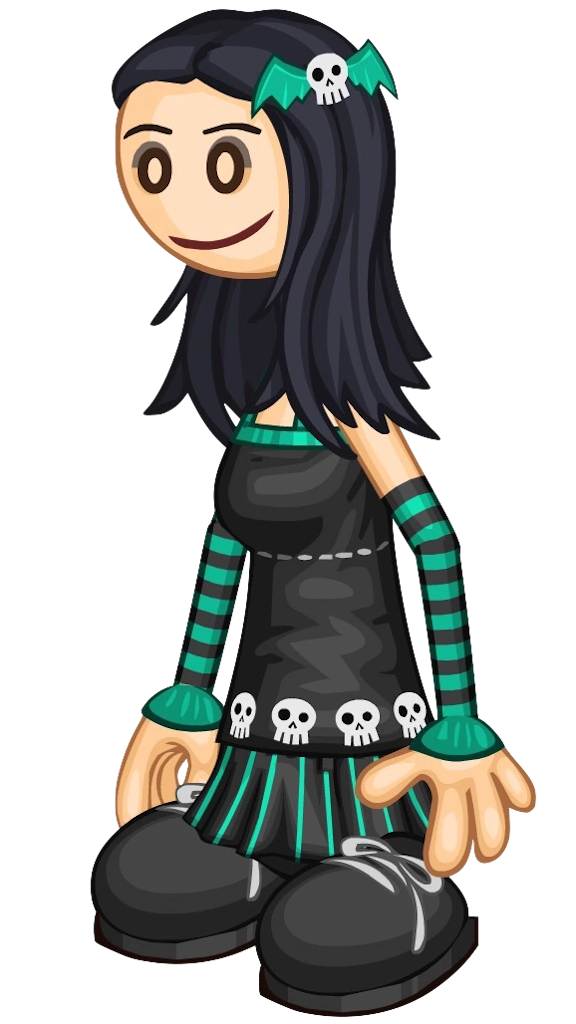
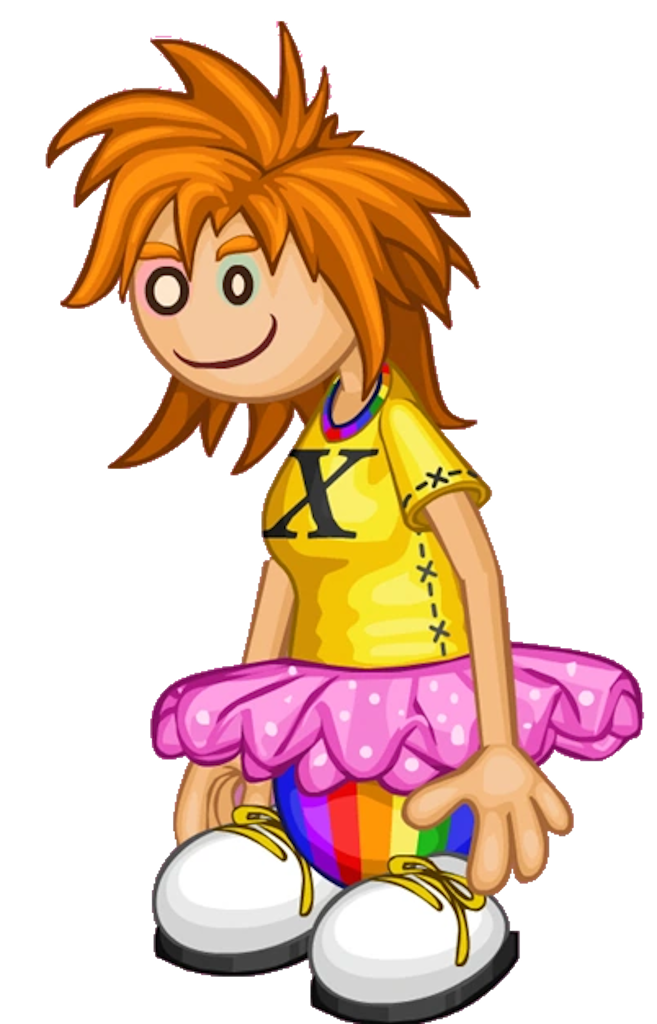
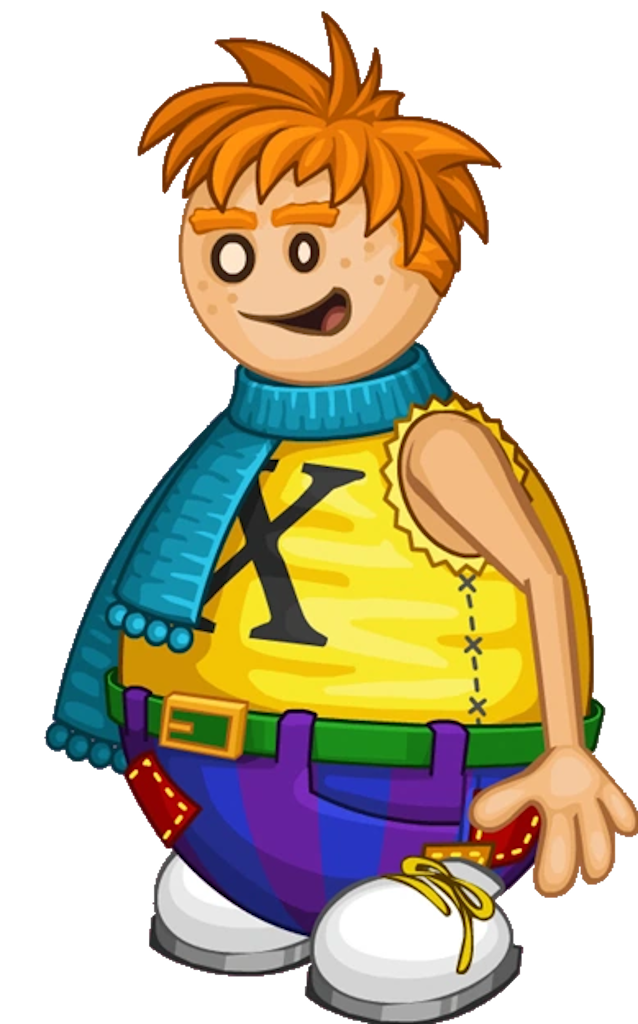
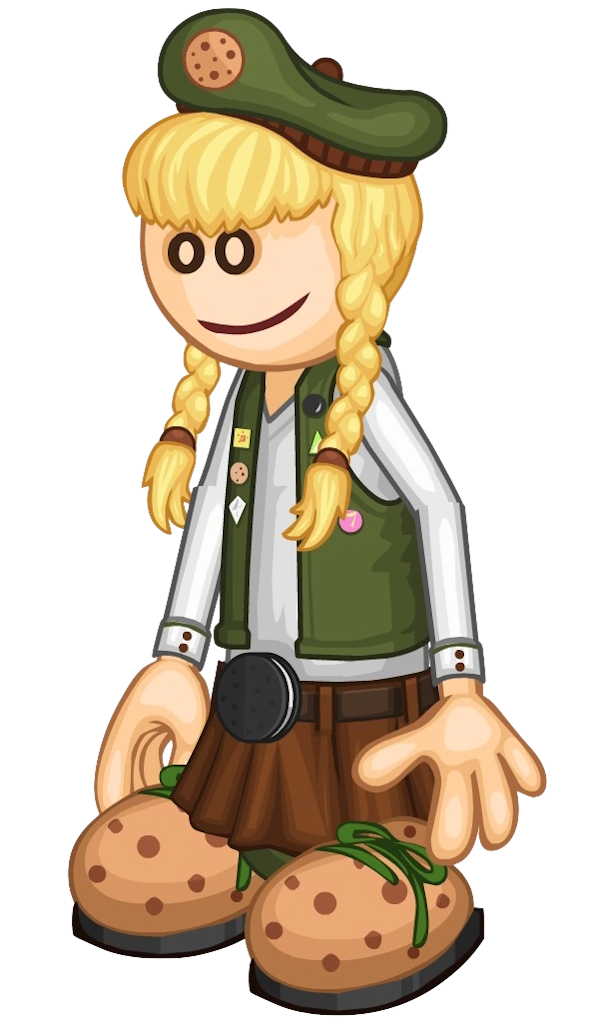
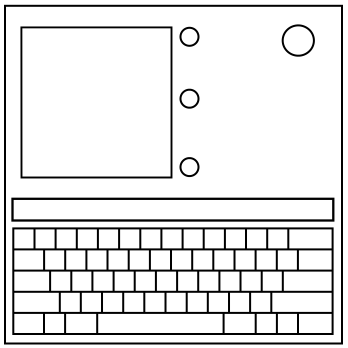
The module consists of a keyboard, a text box, a display with a silhouette, 3 unlit light bulbs, and an image of Papa Louie’s head.

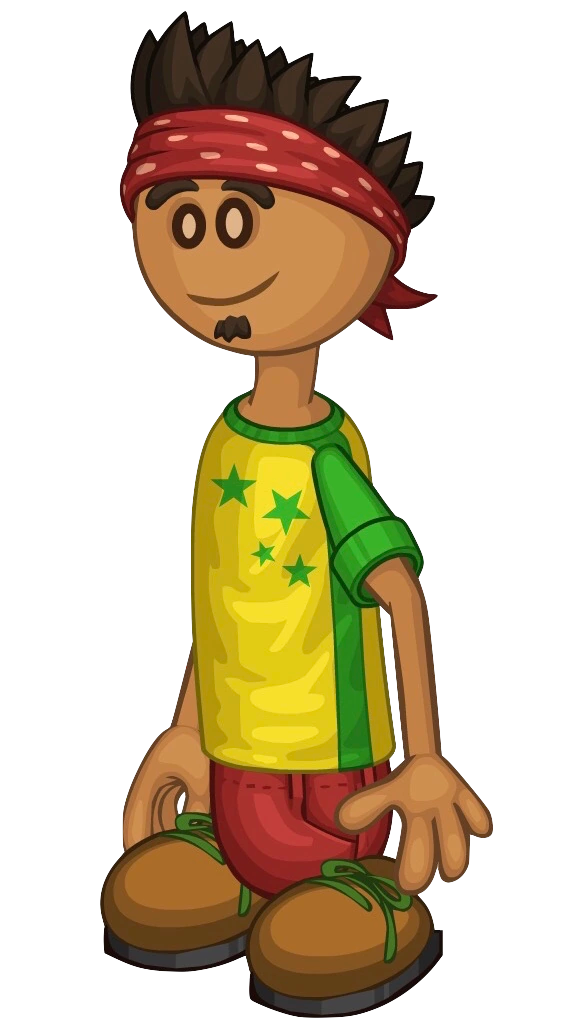
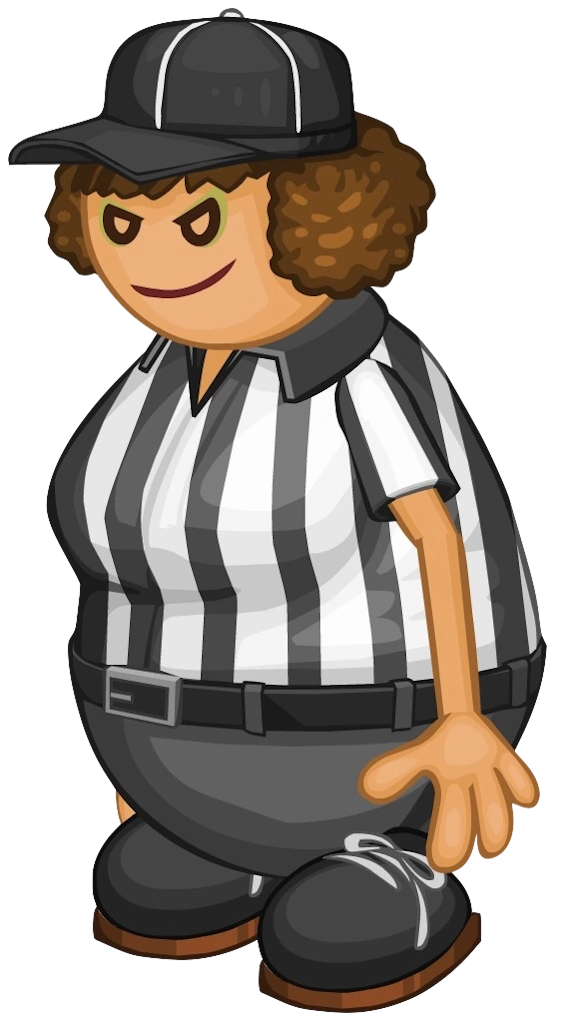
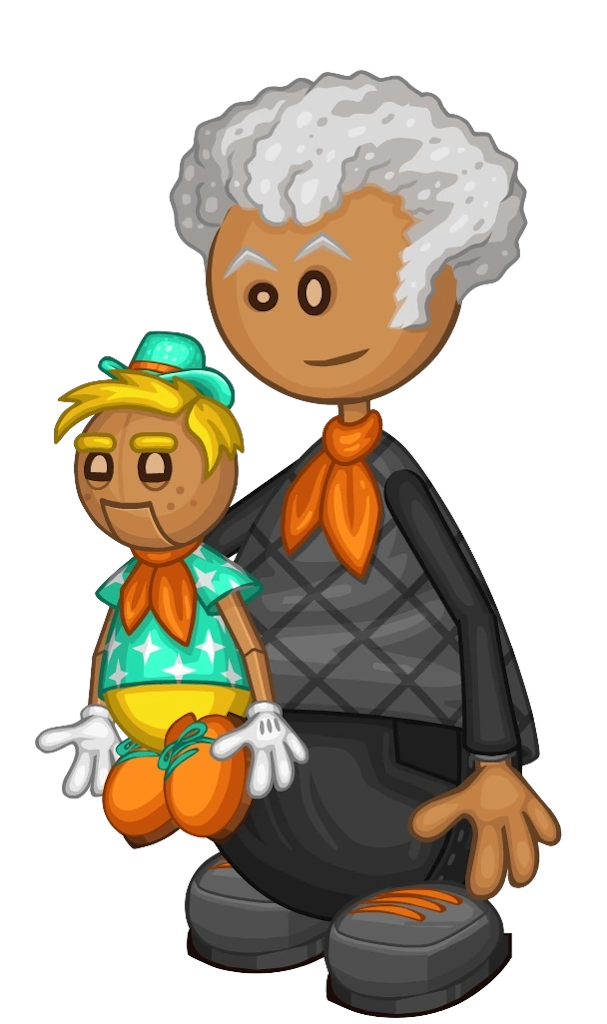
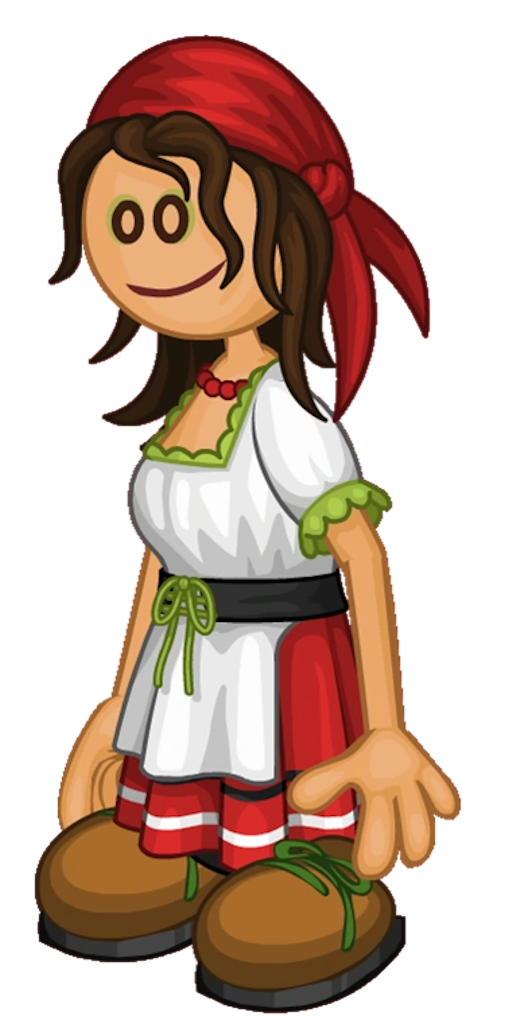
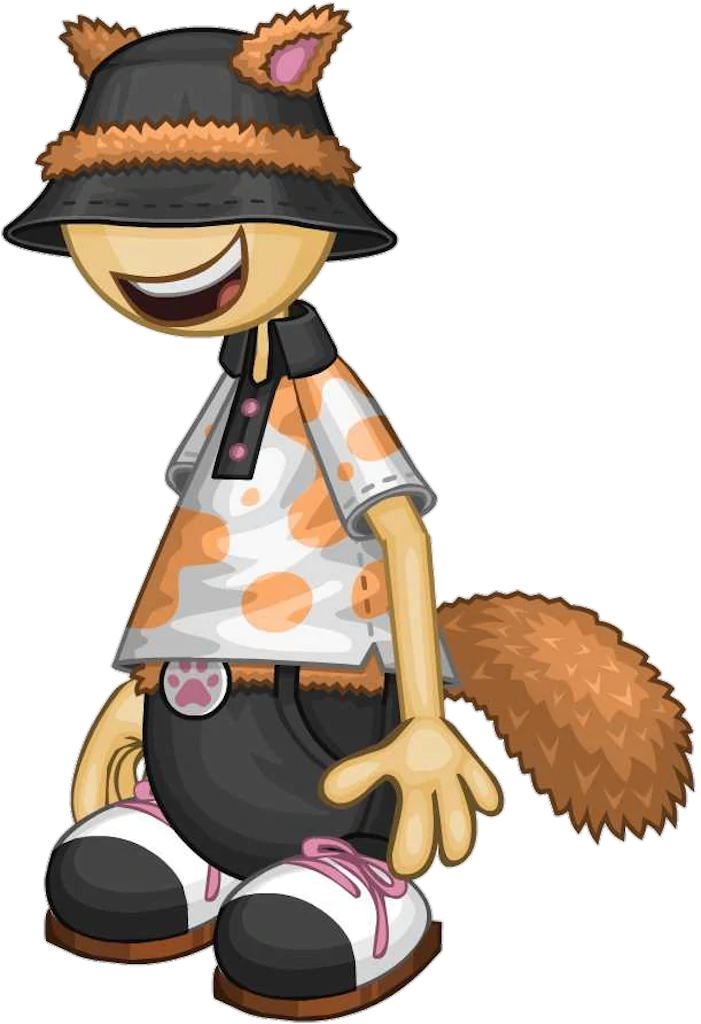
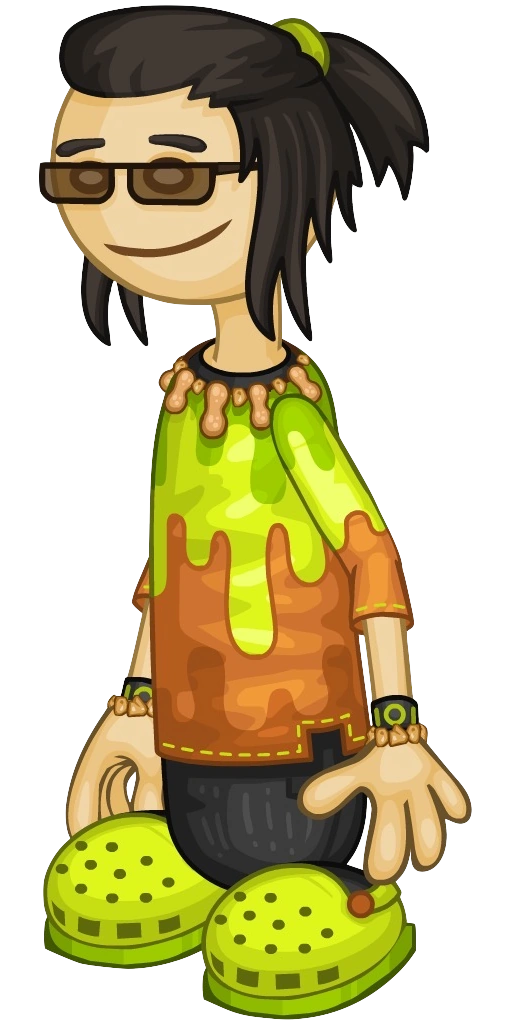
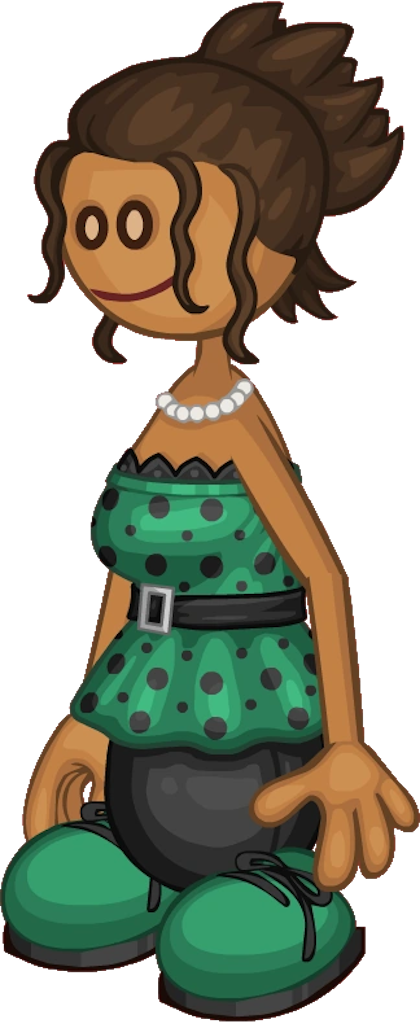
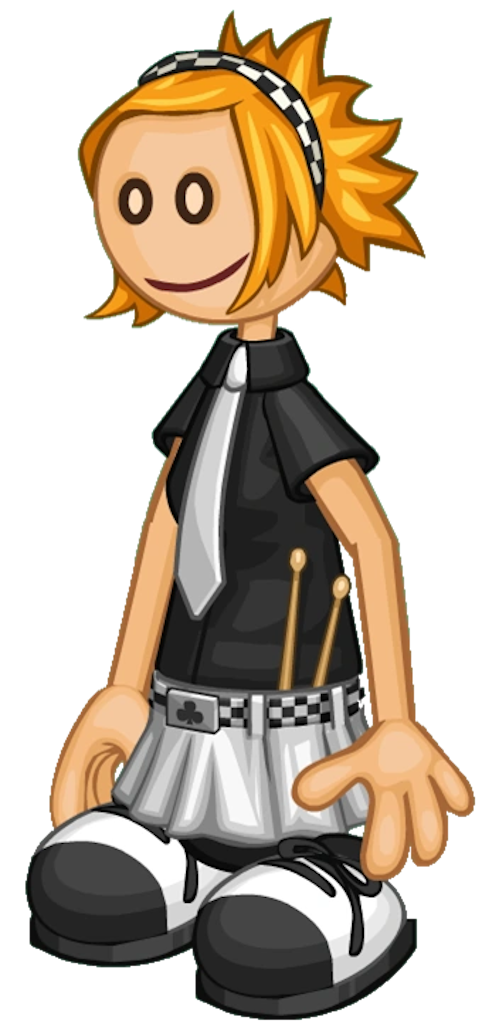
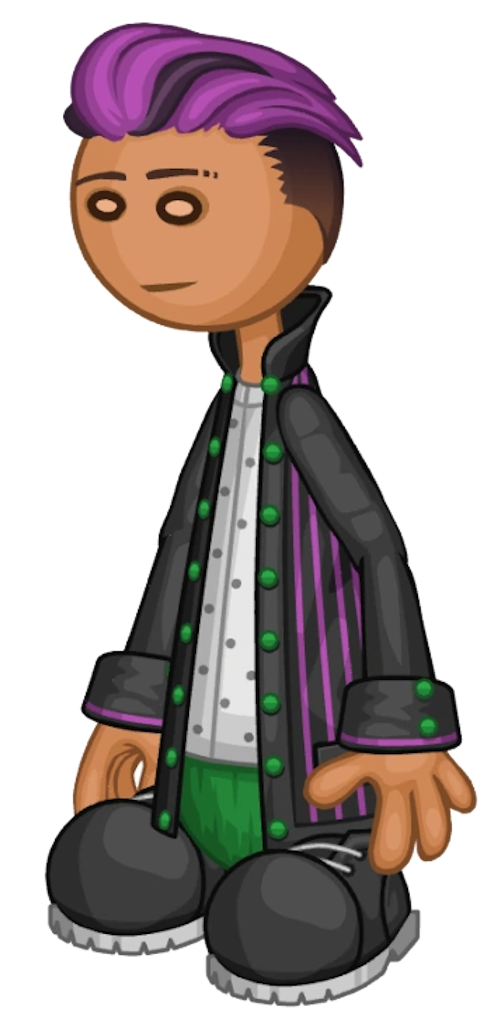
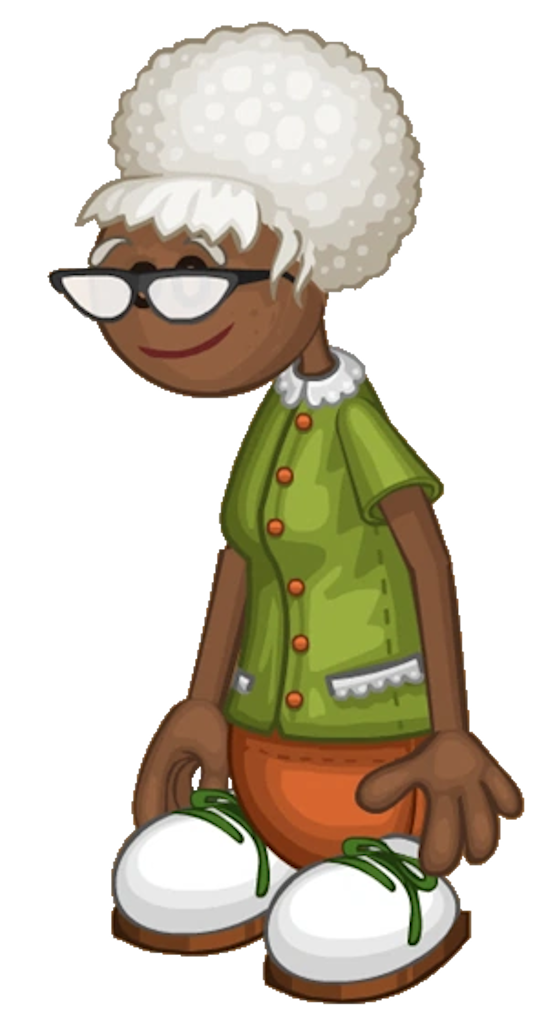
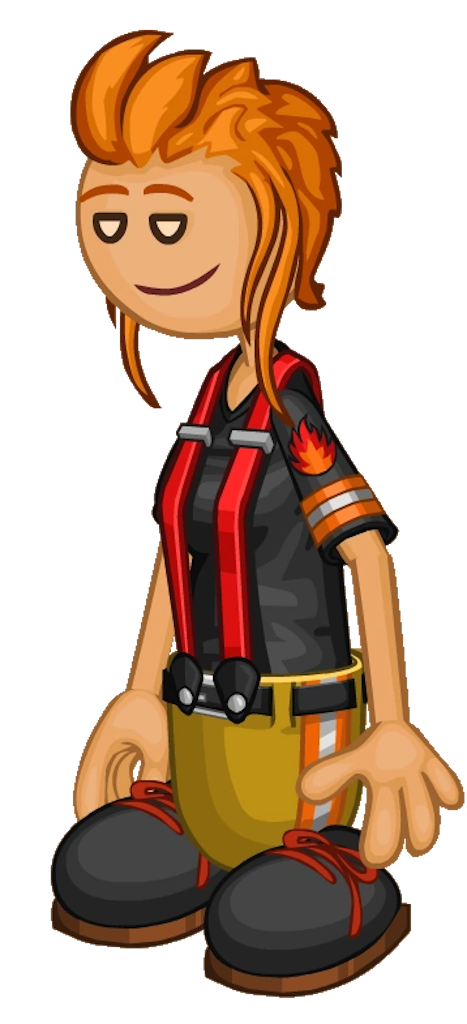
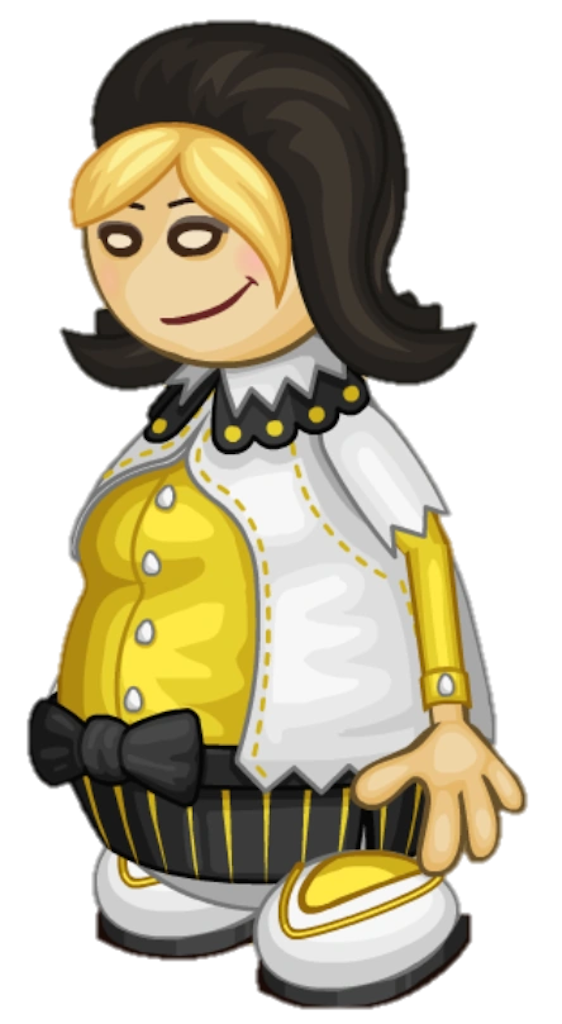
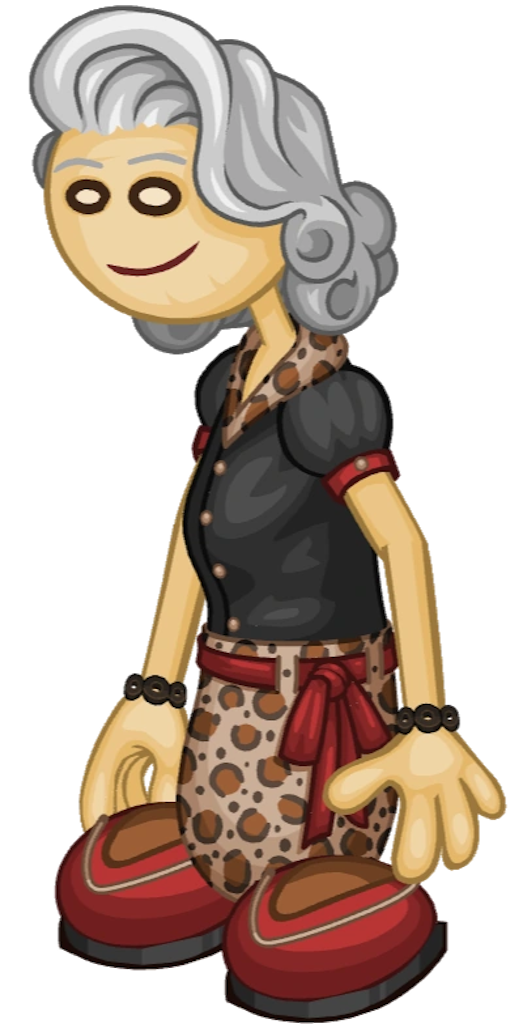
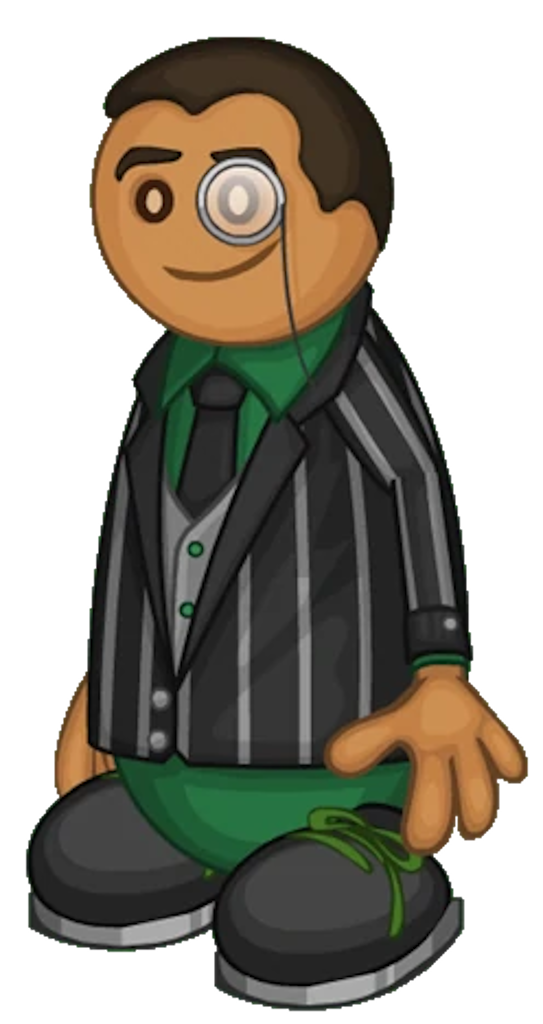
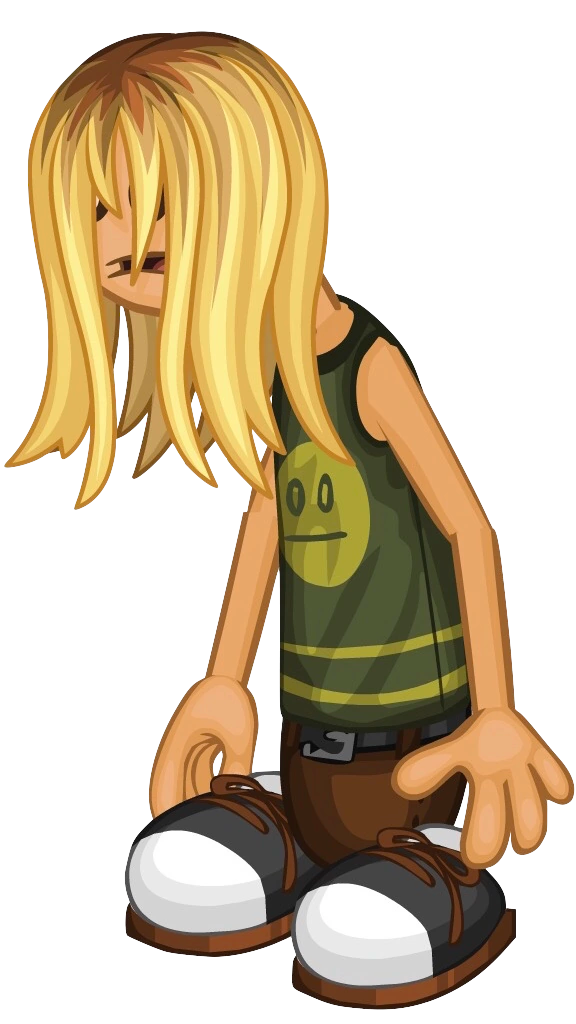
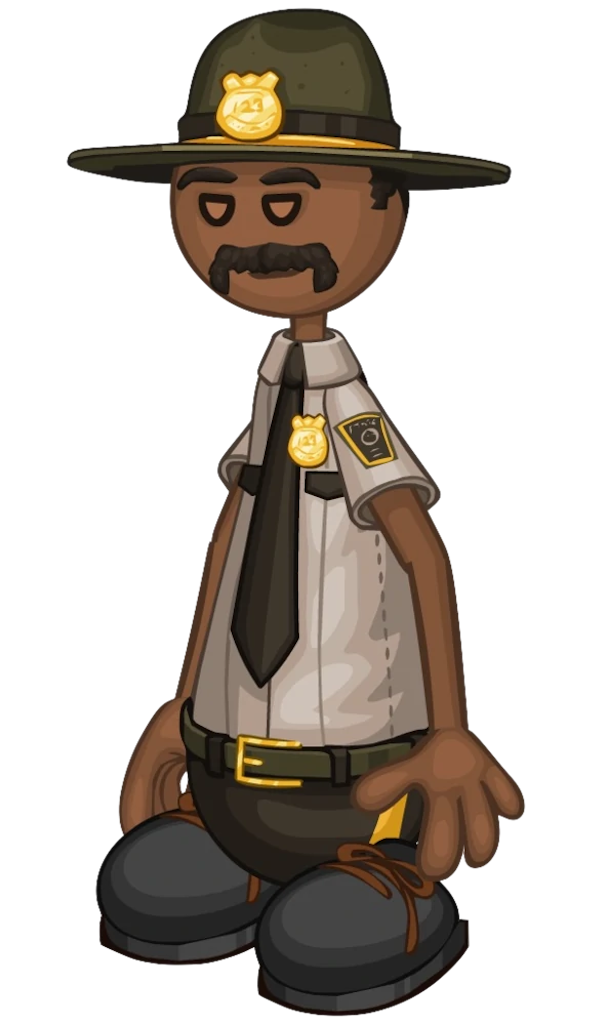
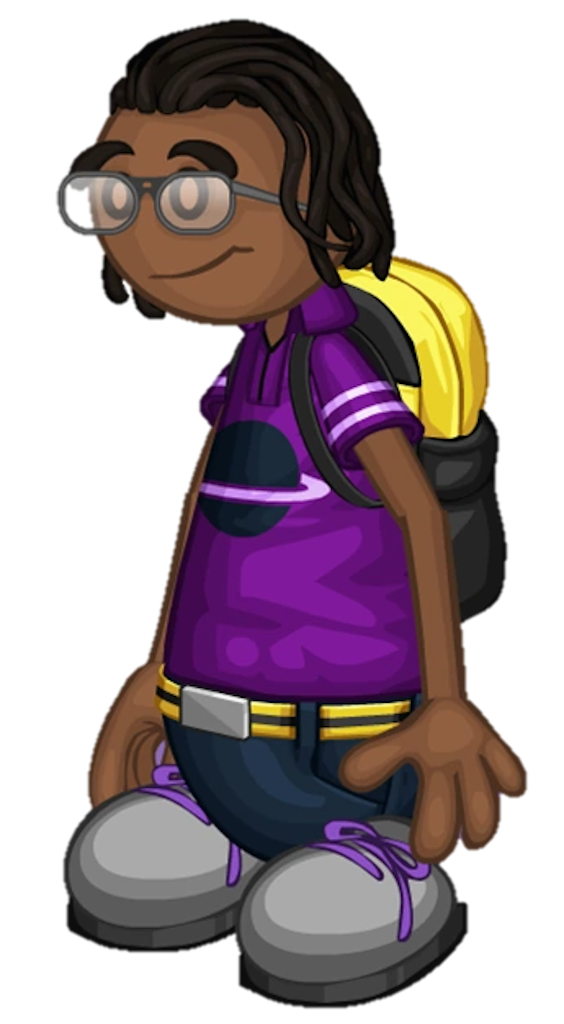
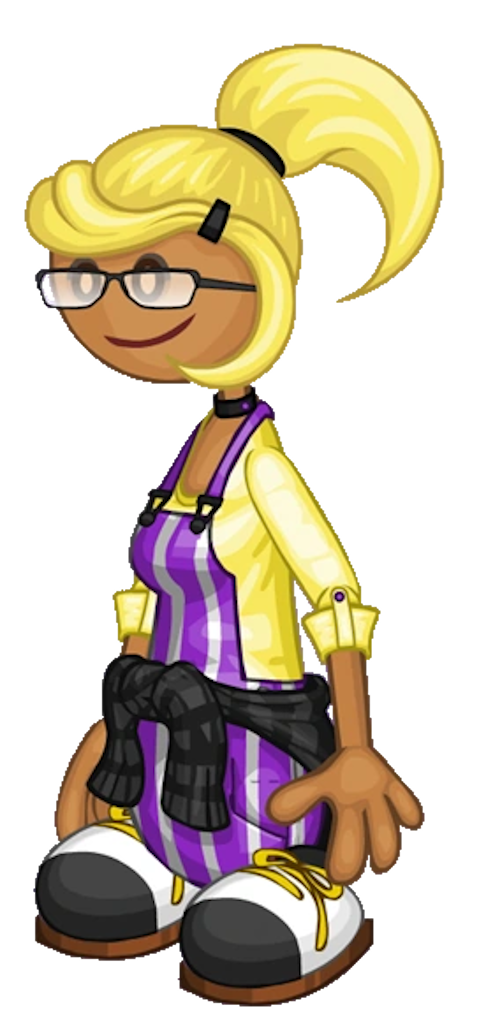
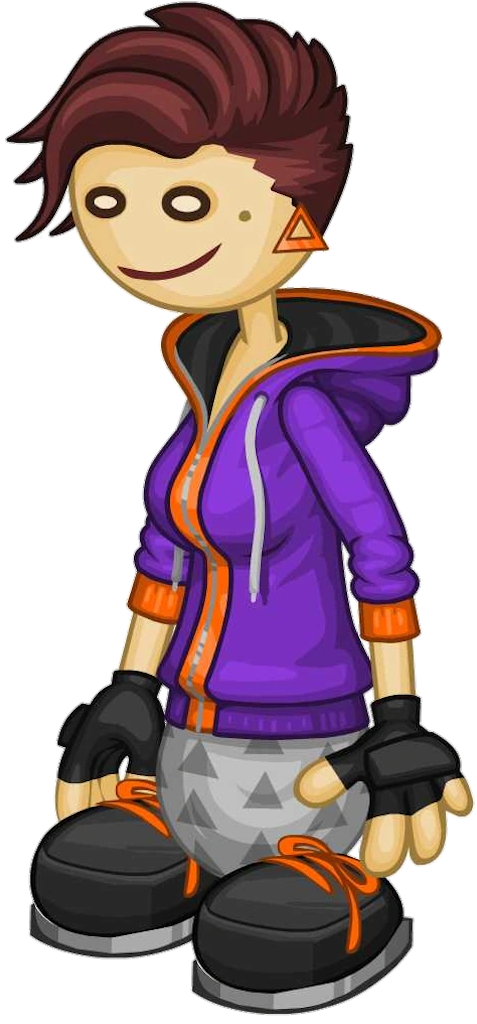
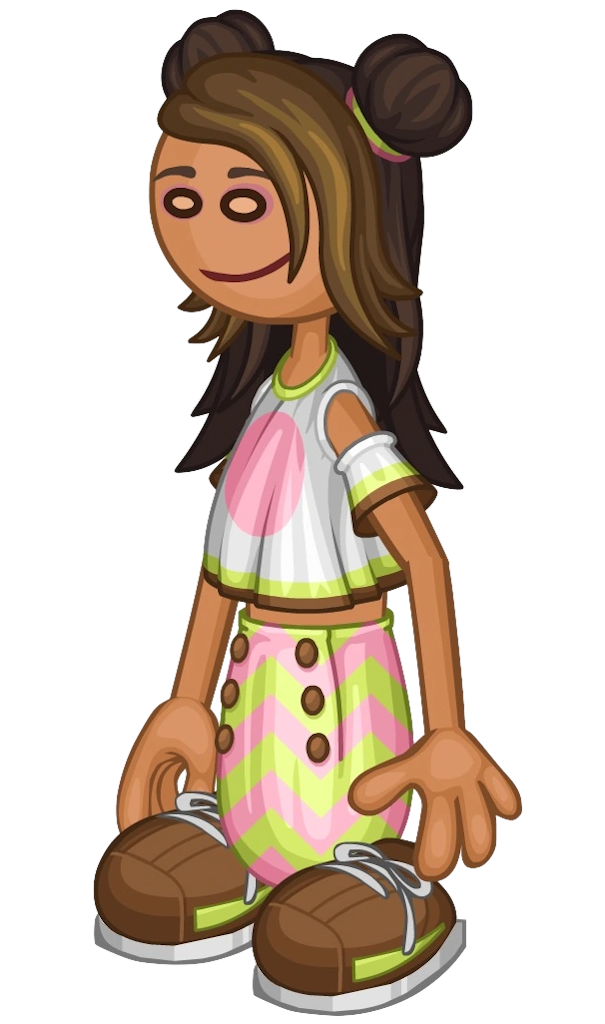
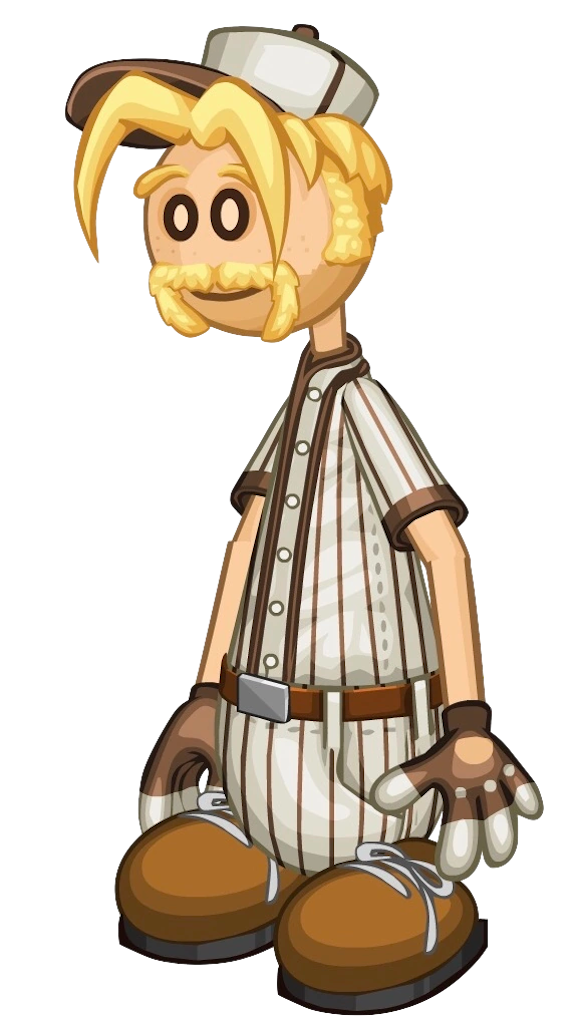
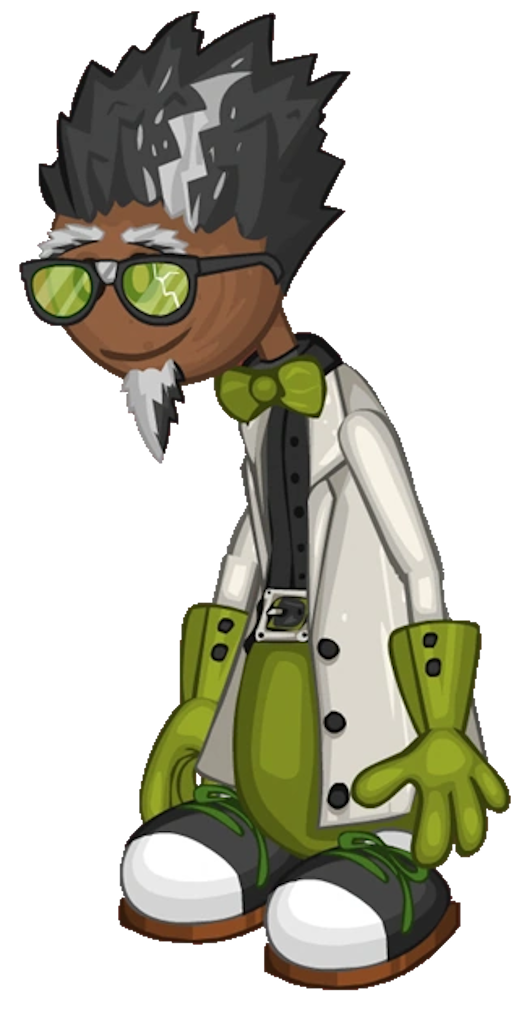
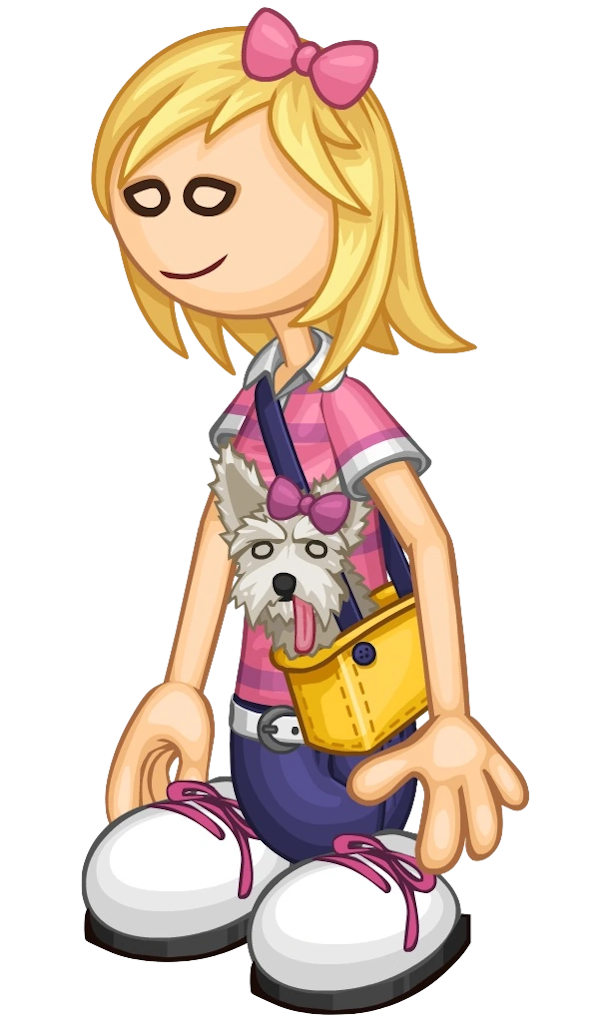
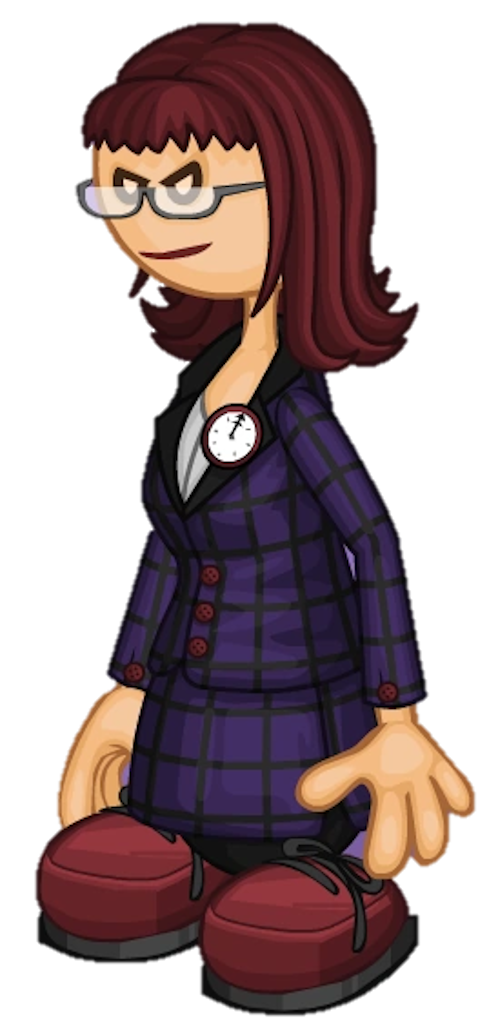
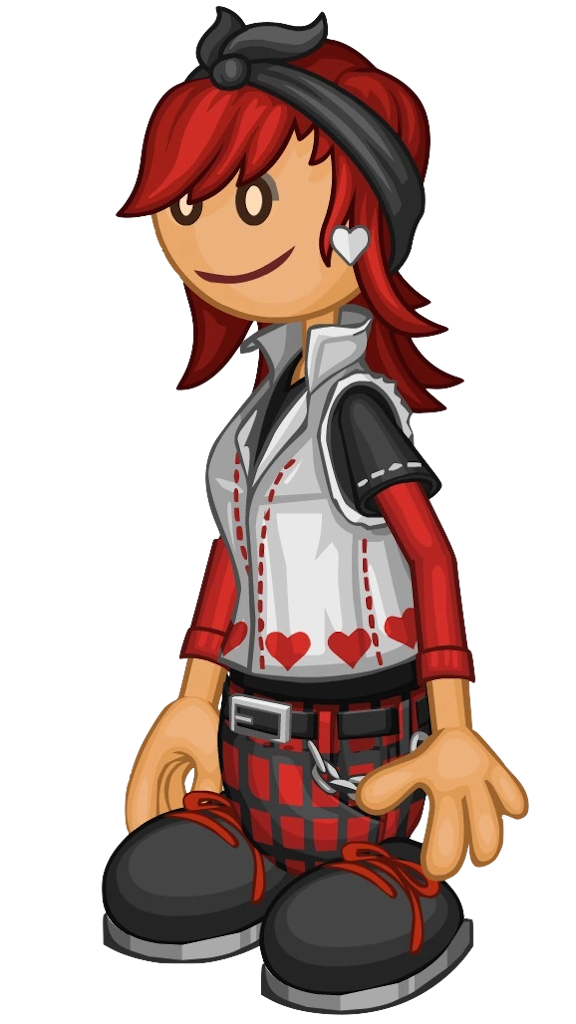
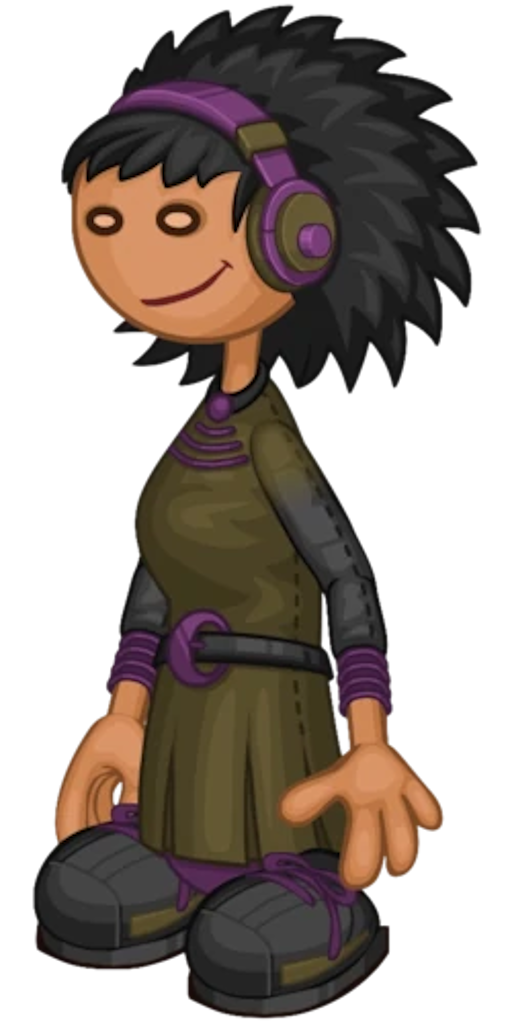
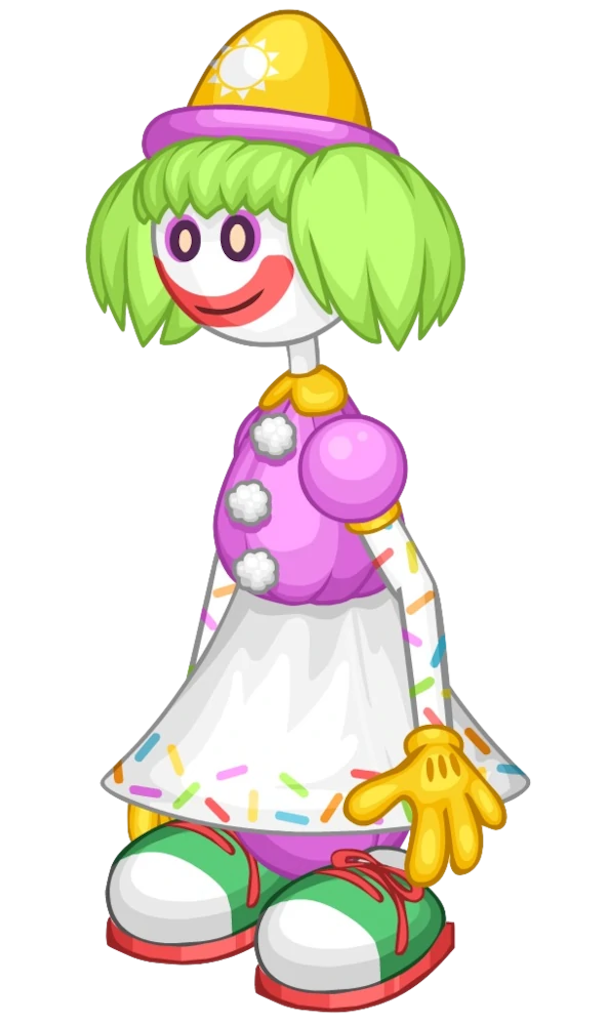
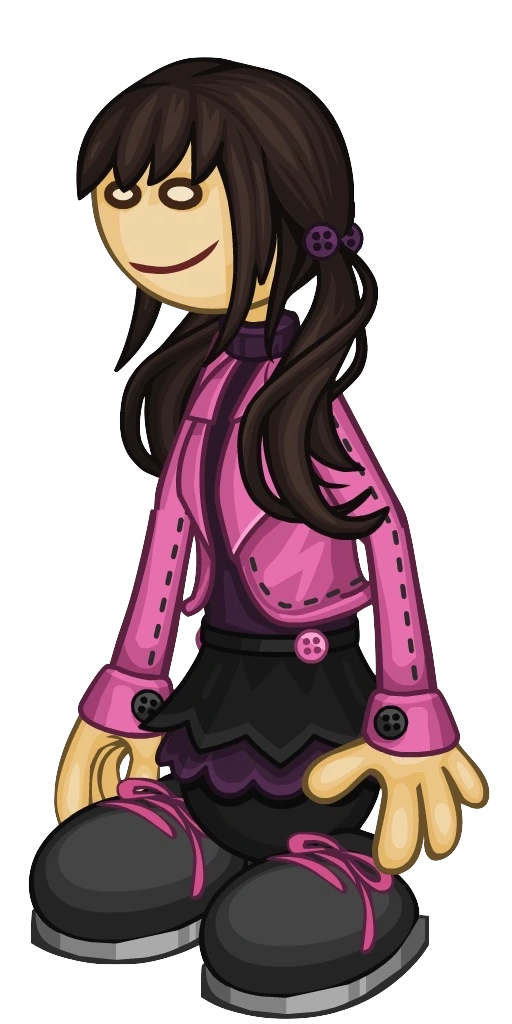
To initiate a stage, press the border on which the silhouette is located. The silhouette will then reveal a random customer from the Papa’s Gameria series of games.

The reveal will last for 7.5 seconds before returning to its original image. Relay as much information on the customer shown. You can only press the border once per stage.

After the customer returns to its original image, you are now able to type text in the text box. Type the exact name of the customer shown on the module. Submit your answer by pressing the Enter button on the keyboard.

If the input given was correct, a light bulb beside the border would light up. If the input given was incorrect, all the lights bulbs would turn off, and a strike will be given.

Light up all the light bulbs given to solve the module.
Customer Reference

AkariAlbertoAllanAmyAustinBertha
Big PaulyBoomerBoopsy & BillBrodyBruna RomanoC.J. Friskins
CameoCaptain CoriCarlo RomanoCeciliaCherissaChester
ChuckClairCletusCloverConnorCooper
CrystalDanielaDeanoDidarDoanDrakson
Duke GotchaEdnaElleEmberEmmletteEvelyn
FernandaFoodiniFrancoGeorgitoGino RomanoGreg
GremmieHacky ZakHankHopeHugoIggy
IndigoIvyJamesJananaJohnnyJojo
JoyJulepKahunaKalebKasey OKayla
KenjiKentonKingsleyKoileeLePeteLiezel
LisaLittle EdoardoMaggieMandiMartyMary
MattMayor MallowMesaMindyMitchMoe
MousseMr. BombolonyNevadaNickNinjoyNye
OkalaniOlgaOliviaPallyPapa LouiePeggy
PennyPerriPetronaPinch HitwellProfessor FitzPrudence
QuinnRadlynnRhondaRicoRipleyRita
RobbyRollieRoyRudySantaSarge Fan
SashaScarlettScooterShannonSiennaSimone
SkipSkylerSprinks the ClownStevenSueTaylor
The DynamoeTimmTohruTonyTrishnaUtah
VickyVincentWallyWendyWhiffWhippa
WillowWylan BXandraXoloYippyYui
Zoe

Index: Keyboard Guide

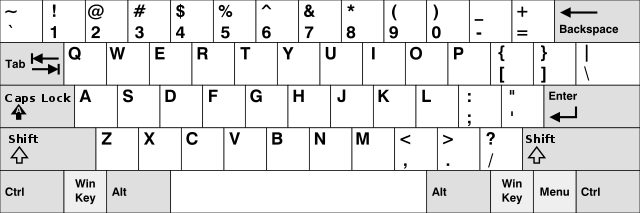
This keyboard replica functions differently than normal.


Keyboard Functions

  • Shift - Replace the current set of typable keys with its alternative. The keyboard will not revert to the previous setting when pressing any typable key after pressing Shift.

  • Backspace - Remove the rightmost character in the text box.

  • Enter - Submits the answer written on the text box. It only works when you have pressed the border.
  • Any Typable Key - Types the character on the text box.
  • The Remaining Keys - It does nothing. Only for decoration purposes.