On the Subject of Footover
Dude, stop making overcomplicated variants of original modules.
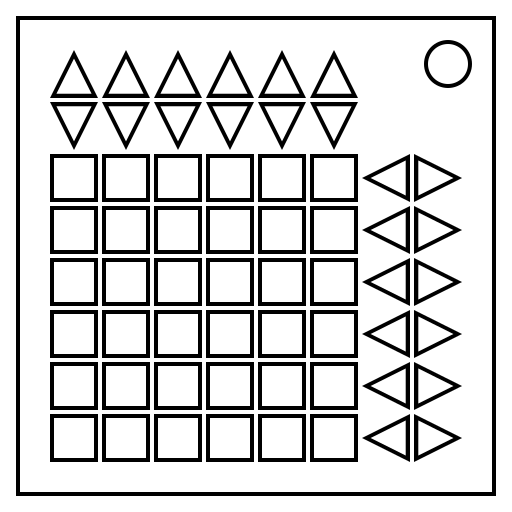
Use the arrow buttons to shift the rows and columns to arrange the 36 tiles into base-36 order. Base-36 order starts with the top-left tile at 0, and increments in reading order, up to Z at the 36th tile. Digits 10-35 are represented by letters of the English alphabet, starting at A.
Pressing the Up Arrow shifts that column up by 1 and increases all the values in that column by 1.
Pressing the Down Arrow shifts that column down by 1 and decreases all the values in that column by 1.
Pressing the Left Arrow shifts that row left by 1 and decreases all the values in that row by 1.
Pressing the Right Arrow shifts that row right by 1 and increases all the values in that row by 1.
Every row button also moves either the row above it or below it and increases/decreases their value, wrapping around.
Every column button also moves either the column to the left or right of it and increases/decreases their value, wrapping around.
0 and Z are considered consecutive.
The module can be reset to its initial state by pressing the status light.