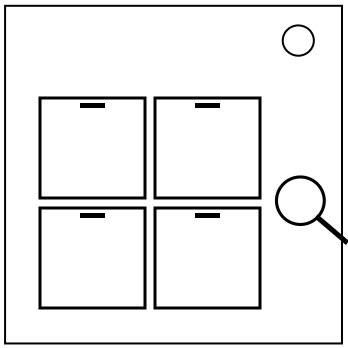
On the Subject of Kooky Keypad

A common twist on a common classic.

For those familiar with the original manual.


The green button submits the module. The module does reset upon a strike.

Step 1

ConditionA
HDMI or RJ-45 port?A = first serial number digit
OtherwiseA = last serial number digit

B = value from the table or alphabetic position of a capital letter not in the table.

If A + B ≥ 20, press that button.

131114181513111216

181312191411171115

Step 2

Pressing those buttons will show colours on the buttons, note these colours. This manual will use the associated letter in the reference table, so note these.

All 4 buttons start in a 0 state. Toggling a button refers to changing the respective button between 0 and 1.

  • If Two Factor is present, toggle TL and BR.
  • If the bomb has an SIG or TRN indicator, toggle BR and TR.
  • If fewer than 3 non-K LEDs or the bomb has exactly 2 port plates, toggle BL and BR.
  • If more than 1 LED displayed a color and the second non-K LED in order was L or T, toggle TR.
  • If only 1 LED displayed a color, toggle BL.
  • If all LEDs are K, toggle TR and BL.
  • If the first non-K LED was M and last non-K LED was E, toggle TL, TR, and BR.
  • If at least 1 LED was K, toggle BR.
  • If B was NOT displayed or G was NOT displayed, toggle TR.
  • If S or G were present, toggle TL and BL.
  • If S, R or O were present, toggle TL.
  • If none of the buttons are currently in the state 1, toggle TR.

Submit all buttons in the state 1 by pressing them and immediately pressing submit.

NOTE: All possible colors that can be displayed by the LEDs are shown on the next page.

Possible Colors Reference Flag

Crimson Red Coral Orange Lemon Chiffon Medium Spring Green Deep Sea Green Cadet Blue Slate Blue Dark Magenta Black C R L O E S G B T M K