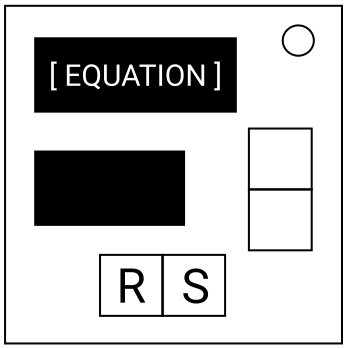
On the Subject of Mad Maths
"Pressing this button 30 times is driving me mad!"
- Use the first table to identify the displayed digits, then use the second table to obtain a new value for each digit.
- Solve the equation and input the correct answer using the addition buttons, then press the (S)ubmit button.
- The (R)eset button may be pressed at any time to set the value back to 0.
The digits appear on the module as follows:
| Digit: | 0 | 1 | 2 | 3 | 4 | 5 | 6 | 7 | 8 | 9 |
|---|---|---|---|---|---|---|---|---|---|---|
| Display reads: | Q | 1 | 2 | 5 | 3 | 4 | F | 7 | U | 9 |
Obtain a new value for each digit using the following table.
If the final value is 10 or greater, subtract 10 until it is a single digit.
|
If the digit has been rotated 100° Clockwise:
Do the following step 3 times: |
|
If the digit has been rotated 200° Clockwise:
If the digit is 0 or is greater than 5, add 3 and then square it. |
|
If the digit has been rotated 300° Clockwise:
If the digit is equal to the number of batteries on the bomb, or the number of lit indicators on the bomb, or the number of batteries plus the number of lit indicators on the bomb, then subtract it from 9. |
|
If the digit has been rotated 400° Clockwise:
If the serial number contains X, P, L, D or E then multiply the digit by 11. |