On the Subject of Not Chess

This ain’t chess, it’s a supercomputer with unnecessarily cryptic lore!
SEE APPENDIX KNGM3 FOR THE ORIENTATION MANUAL OF “CHECKERS”.

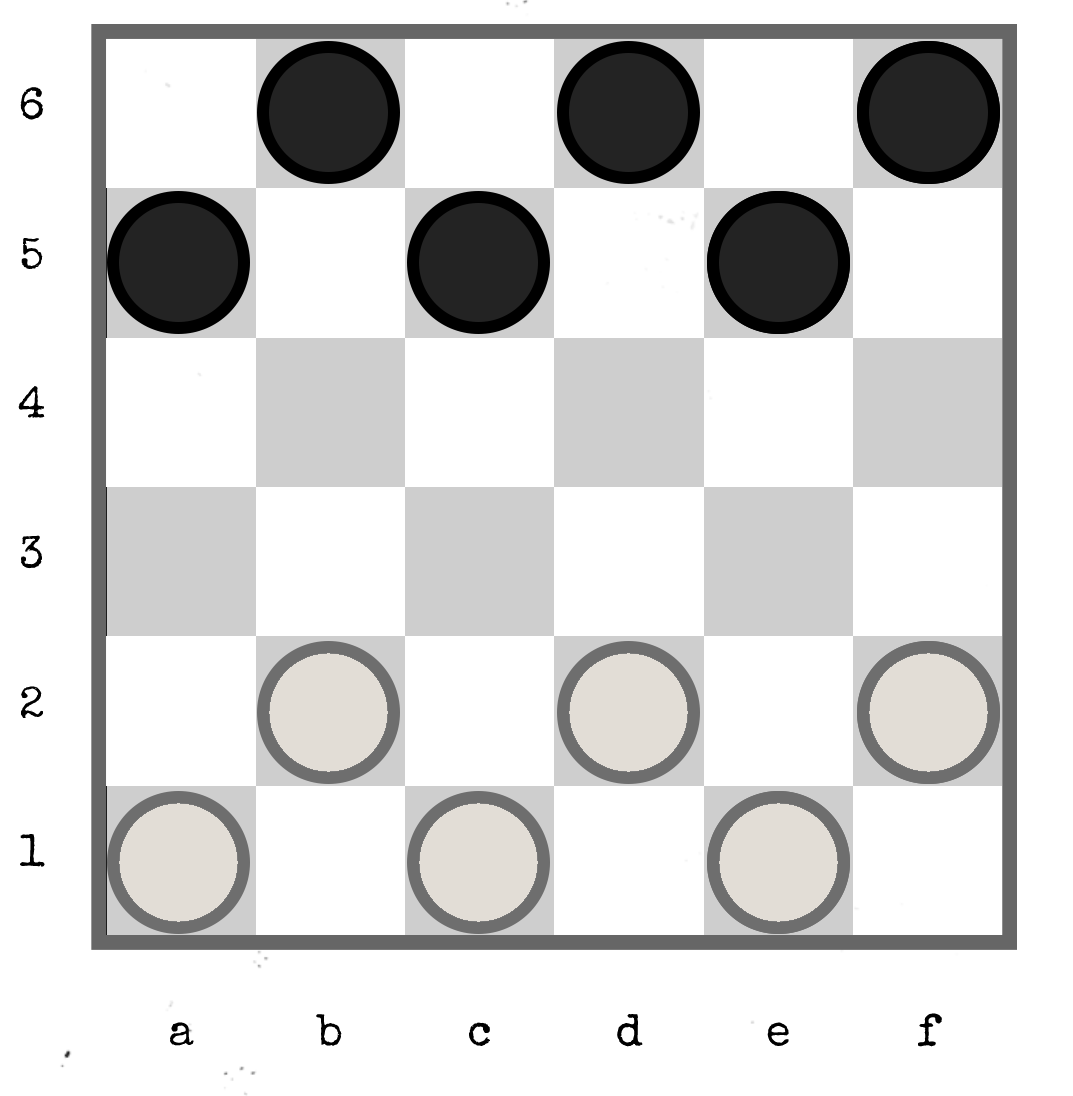
This module takes place on a 6×6 checkerboard, shown to the right. You play as white, while the computer plays as black.

Every 108 seconds, you must use the buttons to make your move. From the moment the alarm sounds, you will have 40 seconds to make any valid move on the checkerboard.

Enter your move by pressing the letter and number buttons to input the starting and ending coordinates. (Most moves require two coordinate entries, though additional inputs may be needed if multiple captures occur in the same turn.)

On every move after the first, your opponent will also move a piece. The start and end positions of the opponent’s move are indicated by the LEDs at the bottom of the module, with a short pause between them. The green LED shows the file (a–f), while the red LED shows the rank (1–6). If a yellow LED lights up, it indicates that the rank and file are the same (e.g., a1, b2, etc.).

When approximately 40% of the bomb’s modules are solved, when the timer reaches three minutes, or when either player has no remaining moves, the LEDs at the bottom of the module will light up solid. At this point, use the tables on the next page to enter two coordinates to disarm the module.

Interactive Controls

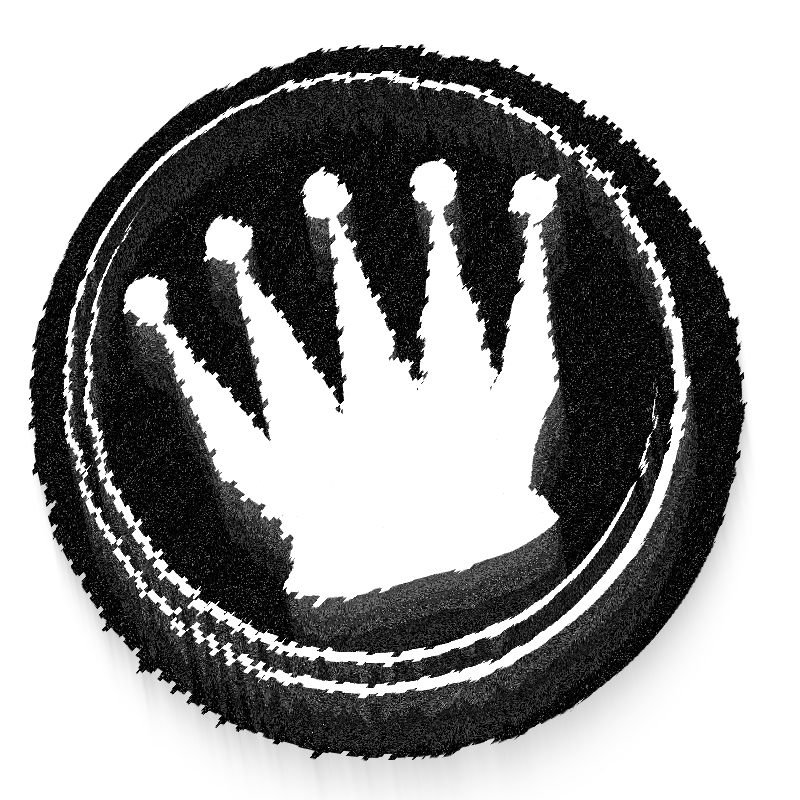
  • Use the above interactive graphic as the module’s checkerboard.
  • Select one of the tools below the board, then click on the board to use that tool.
  • Use the White Piece, White King, Black Piece, or Black King tool to place or remove a piece of that type on a square.
  • Use the Move tool to drag a piece from one square to another. Dragging a piece diagonally over an occupied square captures it, this also works over a chain of multiple jumps.
  • Use the Mark tool to highlight one or more squares in red. Drag along a row, column, or diagonal to mark or unmark several squares at once.
  • You can save the current state of the board, reset the board, reset the saves, or reset everything using the other buttons.
First coordinate:
White pieces remaining
0 The location of the black piece which captured the last white piece.
1 If it is in rank 4 or below and there is a black piece, file d in the rank corresponding to the number of black checkers. Otherwise, d4.
2 If there is exactly one black piece diagonally touching both white pieces, its coordinate. Otherwise, c5.
3 If there is exactly one kinged piece, its coordinate. Otherwise, f2.
4 The square with the same rank and file which have no pieces within them. If there are none or multiple, e5.
5 The square on which a white piece began on, which has no piece on it now. If there are none or multiple, a1.
6 a5.
Second coordinate:
Black pieces remaining
0 d4.
1 Its position.
2 The coordinate of the midpoint between the two pieces, only if it falls on a square of the board. Otherwise, f2
3 If all three pieces are diagonally touching, the coordinate which lies at the midpoint of their arrangement. Otherwise, a1.
4 File a in whichever rank has the most black pieces. If tied, a5.
5 Rank 5 in whichever file has a unique number of black pieces. If there are none or multiple, c5.
6 If there are 3 or fewer white pieces, the coordinate obtained by using the number of white pieces in this table. Otherwise, e5.

Appendix KNGM3

Orientation Manual for
Not Chess: CHECKERS

Welcome, I'm Dr. T. Andrea Keck, and this is the orientation manual for CHECKERS of the Not Chess Initiative. In a moment you'll be given a simple set of instructions for how you can enjoy a nice evening with friends in the park. Oh, and also responsibilities, bomb defusal, etc. But first, a little history.

The Not Chess Initiative was created in 20XX because I'm really bad at chess—like, godawful. Then there was an incident, and now you gotta play checkers. Them's the rules.

Anyhow, checkers consists of these basic rules:

  • Pieces move diagonally forward one square at a time.
  • You can only move onto an empty dark square.
  • If an opponent’s piece is diagonally adjacent, and the square immediately beyond it is empty, you can jump over the piece and capture it, removing it from the board.
  • Captures are mandatory—if you can jump, you must.
  • Multiple jumps are allowed (and mandated, if possible) in a single turn.
  • When a piece reaches the last rank (either 1 or 6), it becomes a king. Kings can move and capture both forwards and backwards.
    • If a player’s piece captures an opponent’s piece and becomes a king simultaneously, their turn ends immediately. They cannot continue their turn with a backwards capture.
  • You win by capturing all of your opponent’s pieces or blocking them so they have no legal moves.

In addition, note that this checkers game follows the rules of American Checkers/English Draughts. These rules, described below, differ from those used in International Draughts.

  • Pieces cannot capture backwards; only kings can.
  • When a piece becomes a king, their turn ends immediately. If the crowning occurs during a jump, they may not continue by jumping backwards.
  • Kings move only one square at a time.

Do not attempt to use the computer for anything else other than playing checkers—like chess. This is its only function. The mind-numbing simplicity of checkers may tempt you to try and utilise the computer for chess. This is strictly forbidden. Attempting to use the computer in this manner will compromise the integrity of the project or worse, could lead to another incident. I repeat, do not use the computer for anything other than checkers.