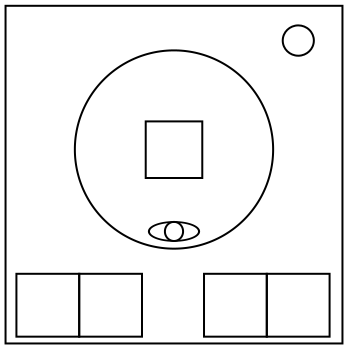
On the Subject of Not Orientation Cube
At this point, a brain haemorrhage is preferred.
A random grid from below has been chosen as your current map. Your current position is in one of the cells of said map.
You can navigate the map using the four movement buttons. Pressing the clockwise or counterclockwise buttons will rotate your orientation in said direction. Pressing the left or right buttons will move your position left or right relative to your orientation.
Black cells are walls. The observer eye will cycle between all walls surrounding your current position, or disappear if there are no walls. Your current position will never be inside a wall.
If you attempt to move to a black cell, you will instead phase through it, and end up on the other side of the black cell (or group of black cells).
The map repeats infinitely in all directions. Adjacent copies are separated by a one-cell wide gap of white (fully navigable) cells.
Press the “SET” button once your current position within the map matches the position of the X.