On the Subject of Numbrix
Basically a number matrix. Which is just a matrix. Which is also a 2D set of numbers. Which is still just a matrix.
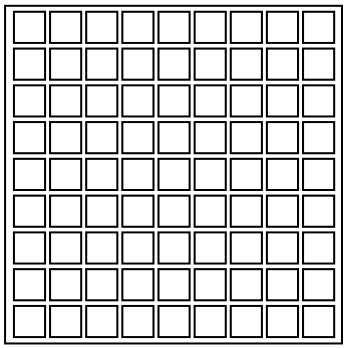
The module presents a 9×9 grid. Numbers are present in some of the squares in the grid.
To solve the module, fill in the grid with consecutive numbers from 1 to 81 so that they follow a horizontal or vertical path.
To input a number, first press the square to input, then input the number using your own keyboard. Note that leading zeroes are always omitted, and each square can only hold two digits.
Press backspace in your keyboard to reset the selected square. Press R in your keyboard to reset the whole grid.
To use the interactive, fill in the grid by clicking a cell and typing a number in it. Press Backspace or Delete to delete the last digit of the cell.
If you have a selected cell, pressing an arrow key (or WASD or Tab) will move the selection to an adjacent cell, wrapping around.
In “Read” mode, enter all of the given numbers as they appear on the module into the grid. Then, press the button to enter “Solve” mode and fill in the rest of the grid. Pressing “Solve” again will return to “Read” mode but will also reset the puzzle.
“Erase Grid” will clear all numbers from the grid and return to “Read” mode.
Input For TP: