On the Subject of Perspecticolour Flash
Turns out it depends how you look at it.
See Appendix FLASH for Colour Flash variant identification.
A Perspecticolour Flash module features invisible cubes hovering above it. Each face of each cube is coloured one of six colours, with no colour appearing more than once on the same cube.
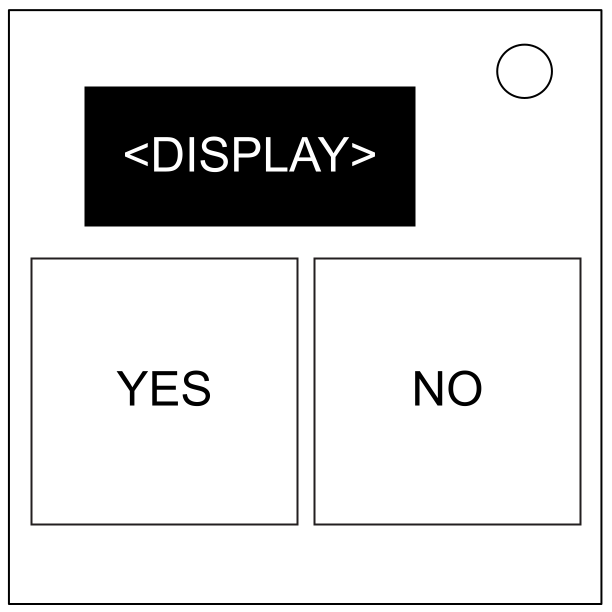
The display shows one word in one colour:
- The word represents the colour of the relevant face of the Word Cube.
- The colour of the word represents the colour of the relevant face of the Colour Cube.
When viewing the module straight on, the relevant faces are the top faces of both cubes.
Tilting the module changes which faces are relevant. The display updates as though the cubes are viewed from that direction.
Locate the two cubes shown on the module on the diagram on the next page. These indicate the positions of the Word Cube and the Colour Cube within the diagram.
Move the cubes through the diagram until both occupy the same position. Doing so will disarm the module.
Only one cube moves at a time.
If the bottom faces of both cubes are either both among red, green, and blue, or both not among those colours, the Word Cube moves. Otherwise, the Colour Cube moves. The cube that moves is the active cube.
Tilt the module to choose a direction, then press a button:
- YES: Push the active cube in the direction of the tilt.
- NO: Pull the active cube from the direction of the tilt.
You may only move to cubes orthogonally adjacent to the active cube.
Attempting to move in a direction where no cubes exist in the diagram will result in a strike.