On the Subject of Simon’s Statement
Simon is growing up and learned about logic.
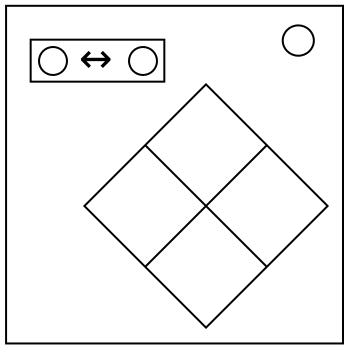
A display with two colors and a logical expression will be displayed, as well as a Simon Says element with four buttons.
Step 1: Determine Stage Number
- Start with 0.
- For every serial number character present in a lit indicator, add 2.
- For every duplicate port type, subtract 4.
- Add the number of batteries, multiplied by the number of ports.
- Multiply by the stage number.
- Keep adding or subtracting 25 until in range 0–49.
(If the number is less than 10 prepend a 0. Example: 1 -> 01)
Step 2: Determine Color
- The Simon Says element will flash two colors per stage. If a color flashes, treat it as true. If it doesn’t, it equates to false.
- If the statement on the display is true, use Table A.
- Otherwise, if the statement is false, use Table B.
- Press the colors from all previous stages as well as the new color from the table.
(Example: For True 32 you would press Red.)
Table A
| -0 | -1 | -2 | -3 | -4 | -5 | -6 | -7 | -8 | -9 | |
|---|---|---|---|---|---|---|---|---|---|---|
| 0- | ||||||||||
| 1- | ||||||||||
| 2- | ||||||||||
| 3- | ||||||||||
| 4- |
Table B
| -0 | -1 | -2 | -3 | -4 | -5 | -6 | -7 | -8 | -9 | |
|---|---|---|---|---|---|---|---|---|---|---|
| 0- | ||||||||||
| 1- | ||||||||||
| 2- | ||||||||||
| 3- | ||||||||||
| 4- |