On the Subject of Type Beat
“i could nerf it but i think its funnier if it gets added to that yee yee a?? extreme sticker” -Quinn Wuest, 2026
Flip the switch to activate the module.
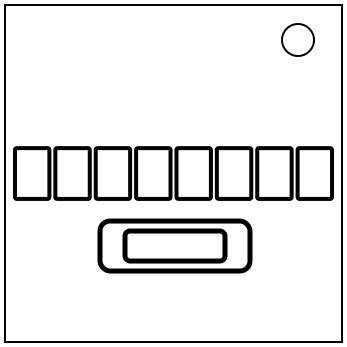
An eight-letter word will be revealed one letter at a time. Each display will flash the letter in its position within the word, with the letters appearing in a random order.
Once all eight letters have been flashed, the displays will flash question marks, one at a time, in a different random order. Type the letters of the word in the order indicated by the question mark flashes.
Each letter must be typed before the next question mark appears.
An incorrect input or lack of input will incur a strike and reset the module.
Entering all eight letters correctly will disarm the module.
How To Use *Play* The Interactive
Press the “Start!” button to start the interactive. The table below will act as if it were the same as the displays seen on the module in-game. Press the letter keys on your keyboard as you would if you were actually playing the module.
If you think that the module in-game goes by too fast for you, you can adjust the tempo using the slider or the textbox. You can go from 50-300 BPM (default is the same as in-game, which is 180). Do note that circumstances may cause the tempo in the interactive to be slightly inaccurate relative to what you entered.
To prevent boredom when using the interactive, drum sounds will play as you use the interactive. Pressing the “Sound OFF/ON” button will toggle sound playing.
| - | - | - | - | - | - | - | - |