On the Optimization of hexNull
“Everything is a maze now. Levers, wires, 7-segment displays, even something as simple as a button, is a maze now.”
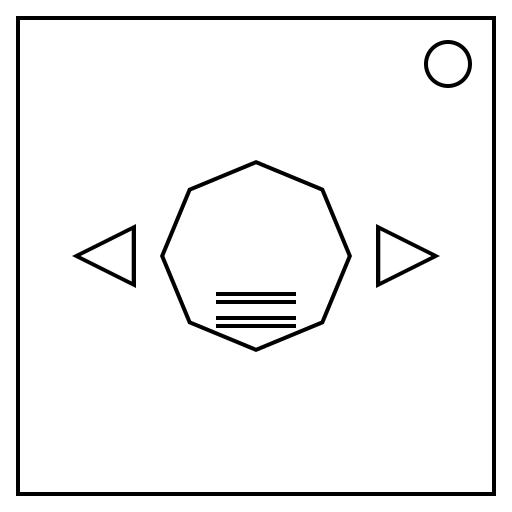
Every time the screen is pressed, the module will clear your inputs, play a sound, and display a square with a line of the opposite color of the square itself.
| 000 | 001 | 010 | 011 | 100 | 101 | 110 | 111 |
|---|---|---|---|---|---|---|---|
| Low | Low | Low | Low | High | High | High | High |
Note: Outlines are used on the table provided to better distinguish each square. Outlines are not shown on the module.
The pitch of the sound played, the square color, and the direction of the line displayed on the square corresponds to a 3 digit binary of the entity’s location.
Where left is 0 and right is 1, meet this entity to obtain 4 sets of binary digits displayed. These binary digits are displayed as a set of 3 black and white squares, with white squares representing 1s in binary.
Create an 8-bit array of all 0s and set bits in that array to 1 in that position if the entity showed that binary. Create 2 more arrays by copying the previous array and shift the binary of the first copy to the right by 1 and the other copy left by 1. XOR the 3 arrays together to get your desired array to submit.
On the module, a separate 8-bit array initially of all 0s is used to submit the end result of the process above. You and the entity will flip bits in that array each time you input a set of 3 directions that does not end in the same location as the entity. While all bits in this array are 0s, the entity can be visited again to repeat the sequence of binary digits without penalty. Attempting to meet the entity while at least one bit is not 0 will submit that array. Submitting the correct array will disarm the module, otherwise this array will be cleared, and a strike incurred.