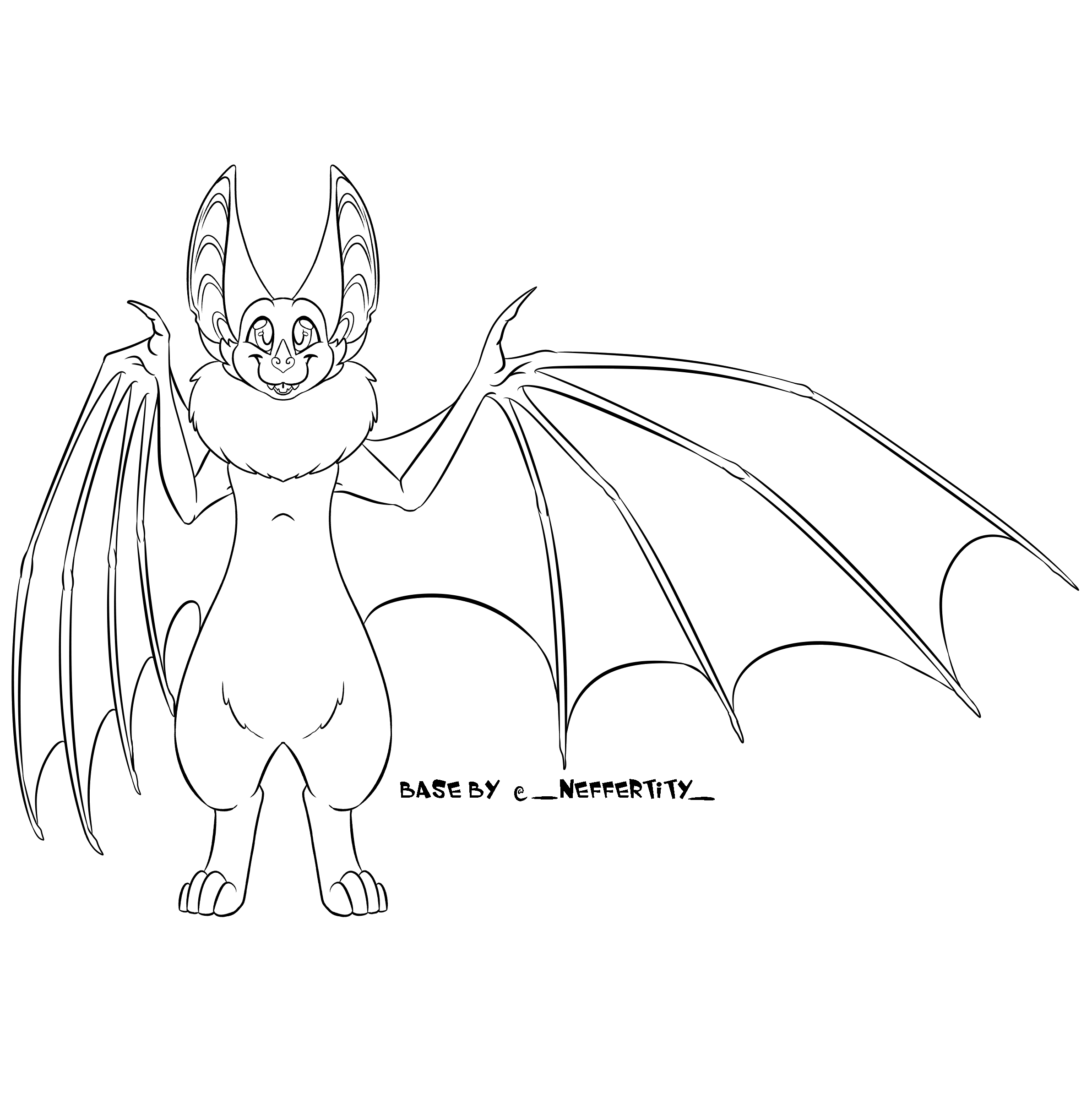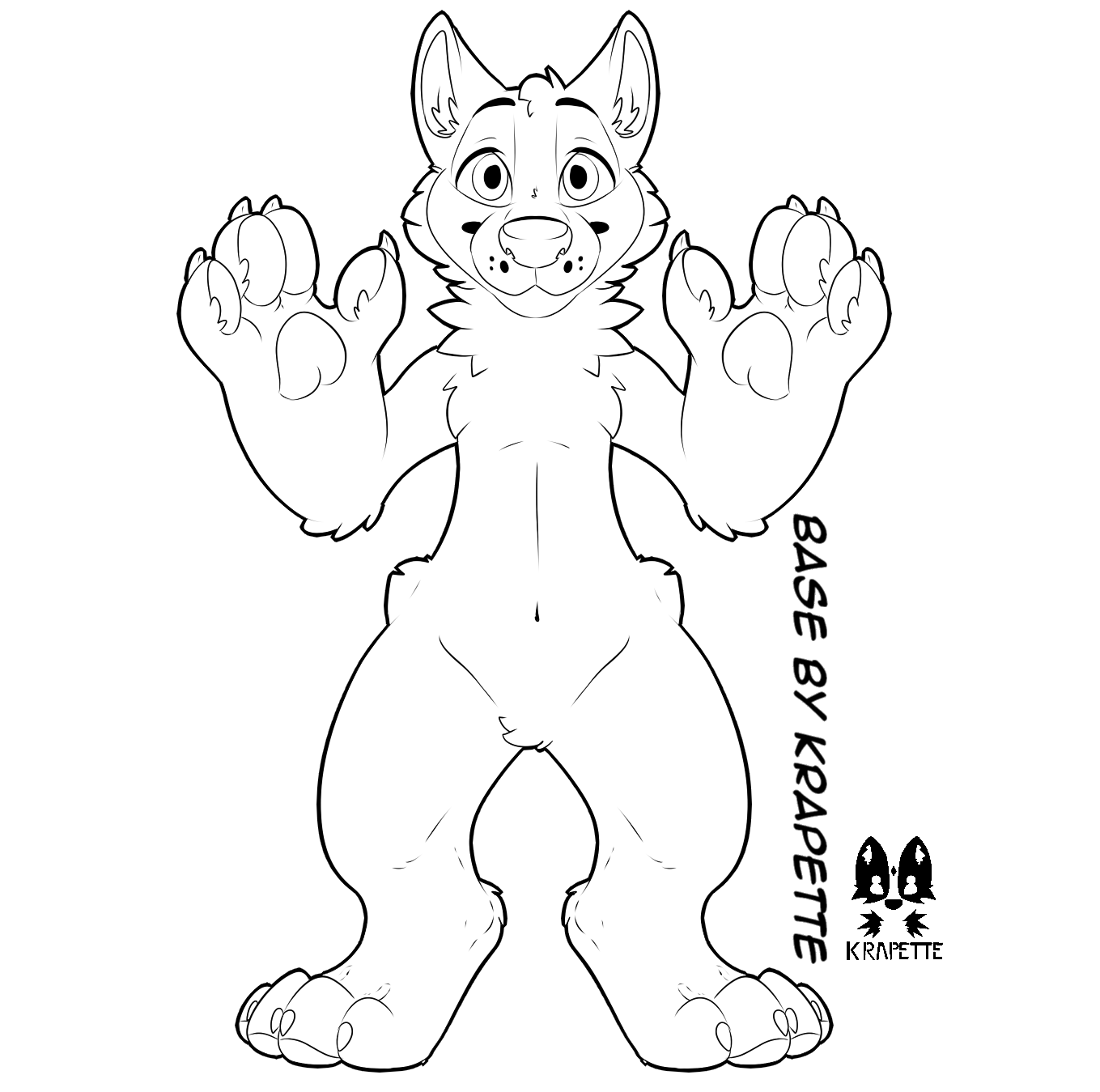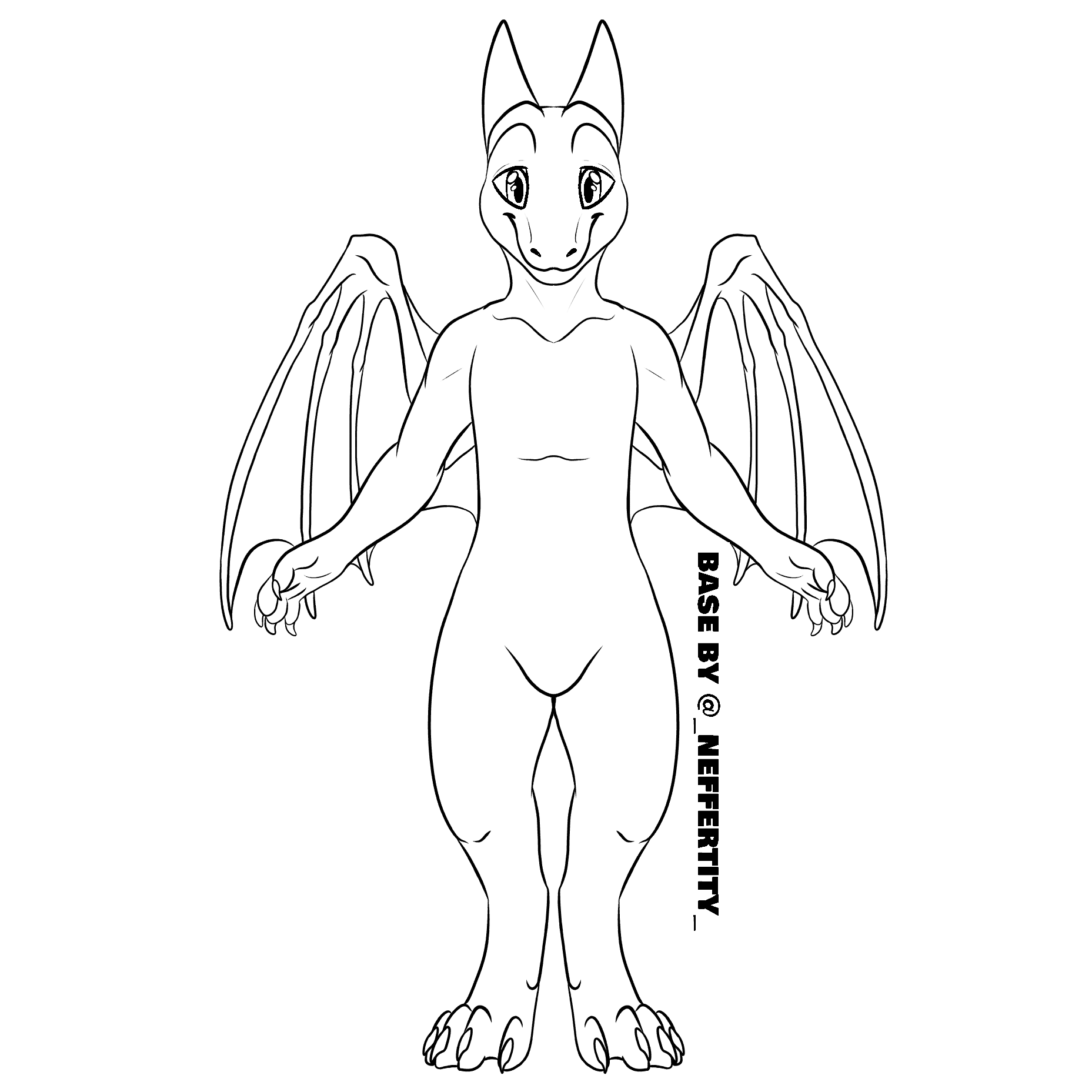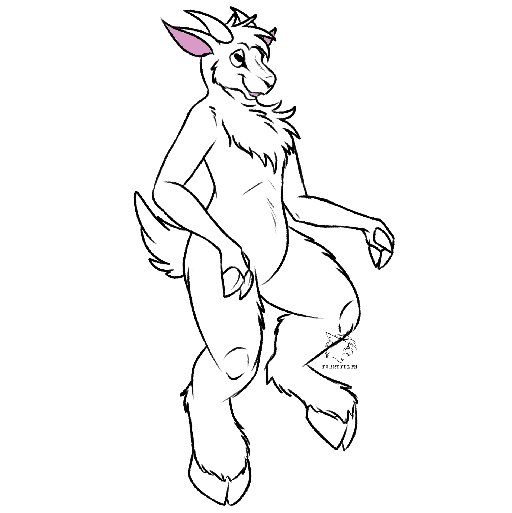
On the Rewording of Fursona
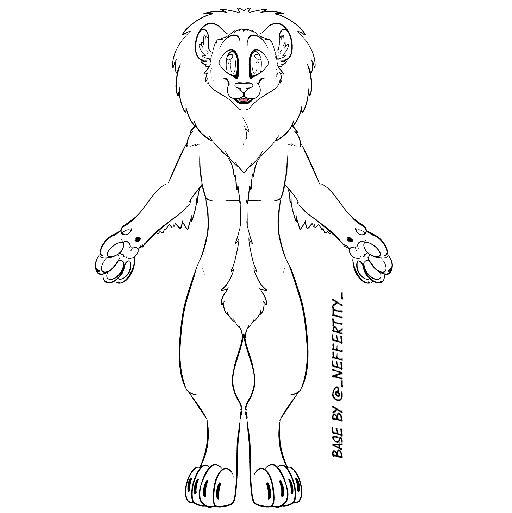
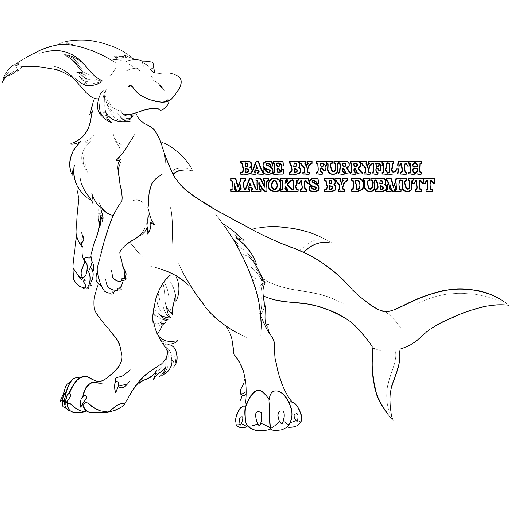
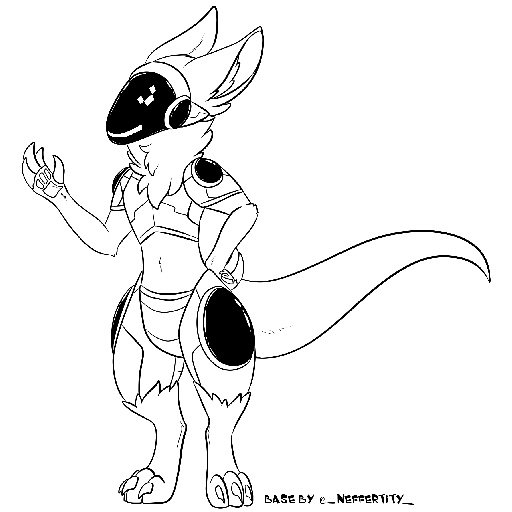
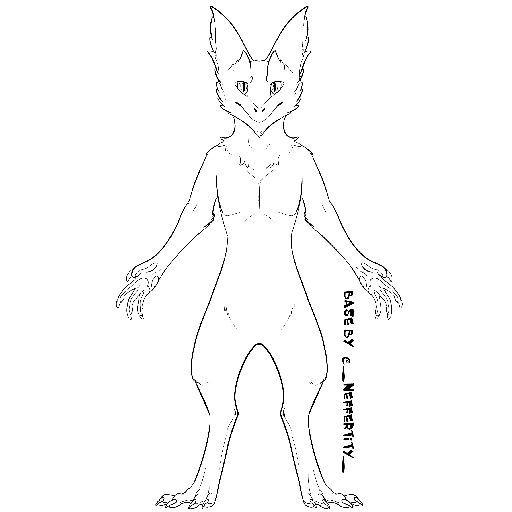
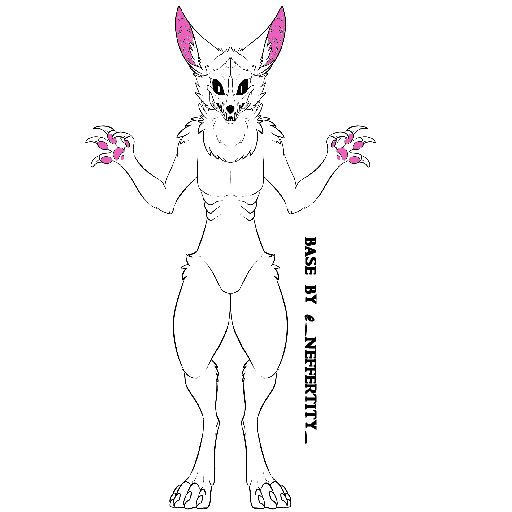
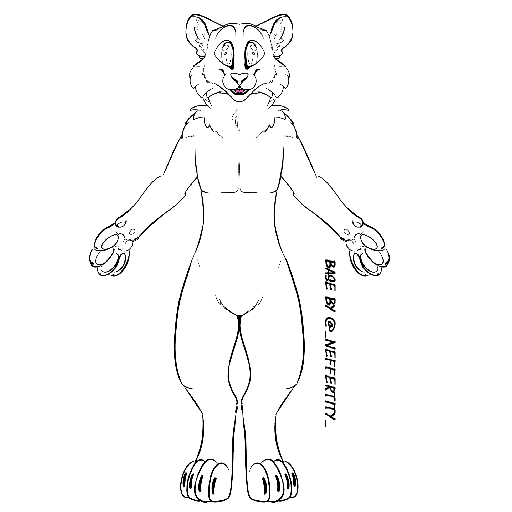
- On this module, there is an image of an anthropomorphic creature.
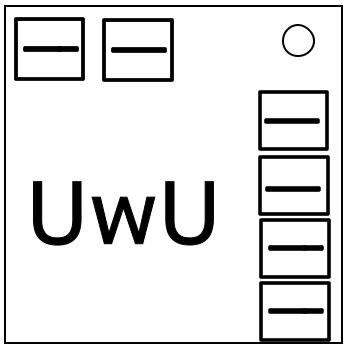
- Starting from the top-left 3 sliders and going clockwise, the 6 sets of three sliders control the head color, eye color, and the colors of four other body parts, in that order.
- Using the creature’s species in the table below as a row, identify the cell with the greatest number. In case of a tie, use the right-most cell of the tied. Correspond this cell in that column as the desired eye color.
Keys:
*I = lit indicators
!I = unlit indicators
B = batteries
BH = battery holders
P = ports
!P = empty port plates
S3 = third serial number character
S6 = sixth serial number character
*P = port plates
SL = number of letters in serial number
SN = number of numbers in serial number
MC = number of modules on bomb
| Red | Green | Blue | Cyan | Magenta | Yellow | |
|---|---|---|---|---|---|---|
| Bat | *I | !I | B | BH | P | !P |
| Canine | S3 | S6 | *P | SL | SN | MC |
| Dragon | !P | MC | P | SN | BH | SL |
| Goat | SL | S3 | BH | *I | SN | S6 |
| Lion | P | !I | MC | *P | !P | B |
| Manokit | S6 | B | SN | !P | *I | *P |
| Protogen | BH | MC | S3 | !I | SL | P |
| Sergal | *P | P | *I | SL | !P | !I |
| Skulldog | SN | S3 | B | MC | S6 | BH |
| Tiger | !I | BH | !P | S6 | SL | MC |